UNIVERSAL SEAL Handy 12.7mm 2-in-1 Mini Pro Handheld TIJ Printer with Water Based Cartridge
Exclusive GST
About This Item
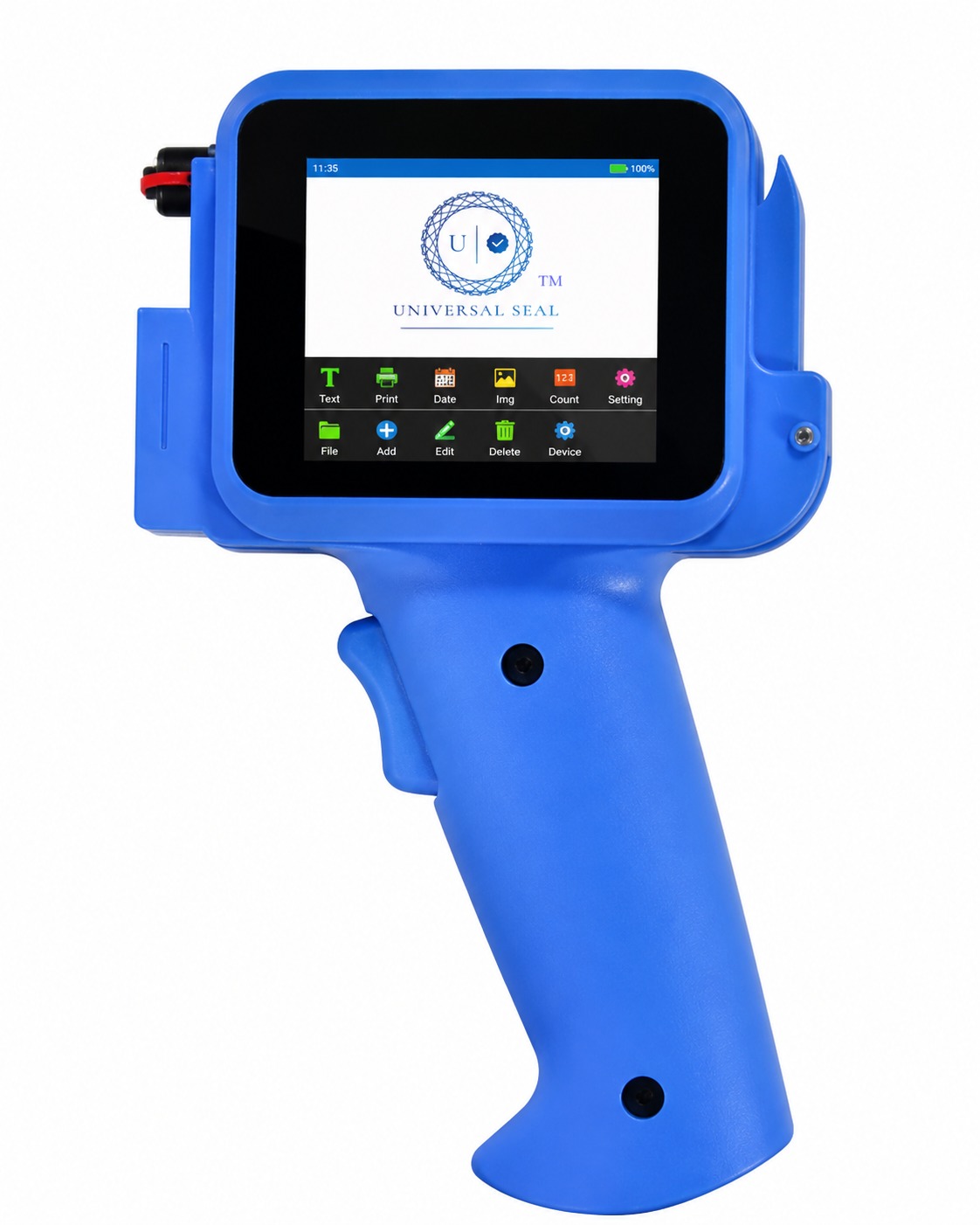
Step up your manufacturing standards with the UNIVERSAL SEAL 12.7mm Pro Mini Handheld TIJ Printer with Digital Display. Featuring a rugged yet lightweight pro-grade blue industrial gun casing, this mobile batch coding machine is completely engineered for quick and high-efficiency product tracking across medium to large batches.
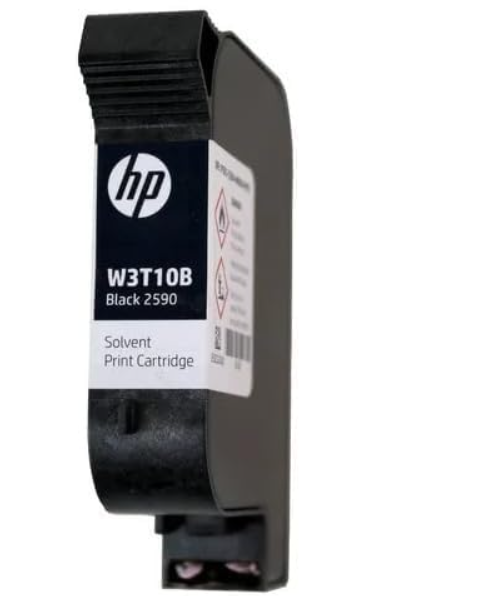
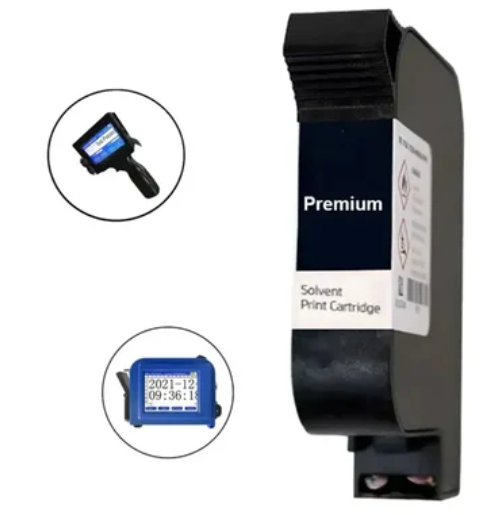
While generic listings are sold without essential supplies, this exclusive UNIVERSAL SEAL package comes fully bundled with a high-performance fast-drying industrial black solvent ink cartridge. The sharp built-in digital screen eliminates the need for laptops, letting operators instantly program manufacturing dates (MFG), expiration logs (EXP), dynamic QR codes, barcodes, and logos directly on the spot. Perfect for smooth or irregular surfaces including curved plastic pouches, bottles, glass jars, cosmetic packaging, and cardboard boxes.
Technical Product Specifications:
- Brand: UNIVERSAL SEAL
- Model Edition: Pro Lightweight Handheld Coding Gun (Industrial Blue Finish)
- Screen Interface: Integrated Bright Digital Touch Interface
- Technology: High-Resolution Thermal Inkjet (TIJ)
- Maximum Print Height & Accuracy: 12.7 mm at 600 DPI
- Package Dimensions (L x W x H): 24 cm x 18 cm x 12 cm
- Total Package Weight (Includes Cartridge, Battery & Kit): 1.5 kg
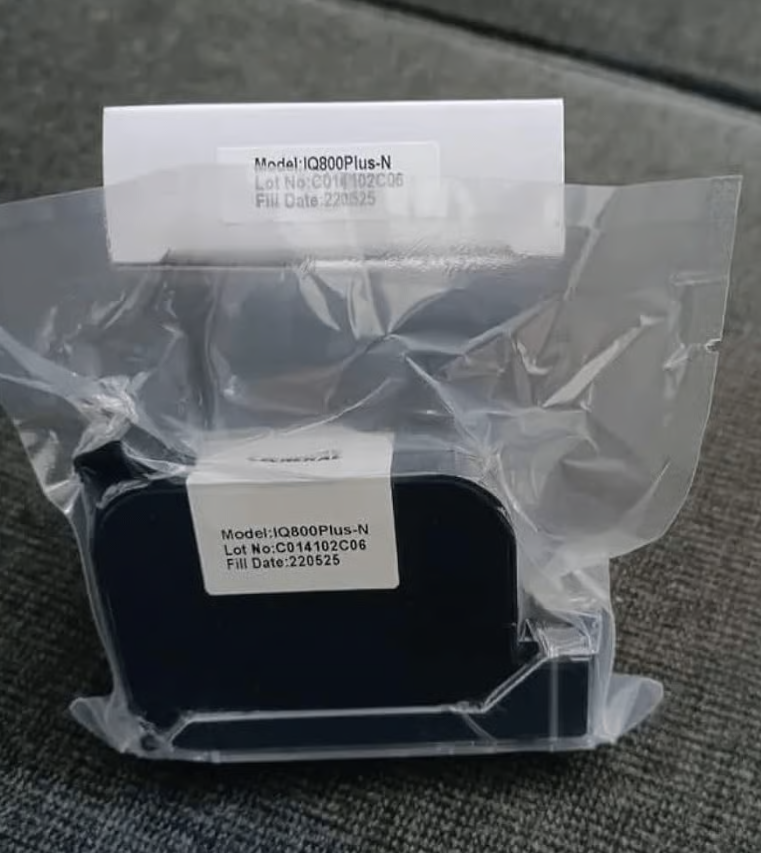
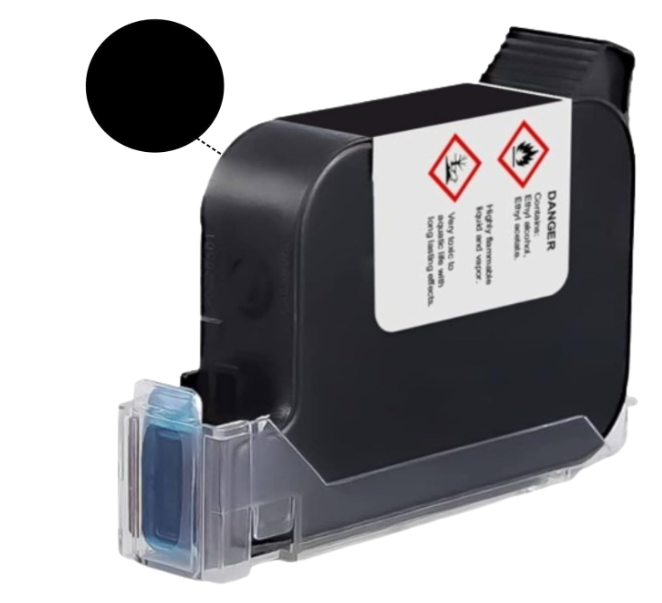
- Ink Base: Quick-Drying Premium Solvent Ink Cartridge (Included)
You May Also Like
Product Information
Specification
- Brand
- Generic (Imported)
- Weight (Approx.)
- 0.4 kg
- Model No.
- G-28
- Body material
- ABS + Polycarbonate
- Printing height
- 1 - 12.7 mm
- Nozzle type
- TIJ 2.5
- Thermal Foaming Nozzle Printing distance
- 2 - 5 mm
- Printing accuracy
- 600 DPI
- Printing content
- Text, Time, Count, Logo, Variable barcode/QR code, Serial number, etc.
- Printing materials
- Cardboard, Plastic, Metal, Cables, Pipes, Glass, Electronic Components, etc.
- Screen size
- 2.4 inch intelligent resistive screen
- External interface
- Type-C interface
- Battery
- 1500 mAh
- Supported language
- Chinese, English, Italian, Russian, French, Spanish, Portuguese, Arabic, German, Japanese, Korean, Thai, etc.
- Power adapter
- 100-240V AC INPUT, 9V/2A DC OUTPUT
- Working environment
- Temperature : 0 - 45 °C
- Humidity
- 30-70% RH
- Dimensions
- 105 x 48 x 184mm
- ASIN
- B0FGPPQSMY
Features :
- Adaptable Printing
- This printer can print on both curved surfaces (like jars and bottles) and flat surfaces, ensuring versatility in application.
- Quick-Dry, Waterproof Ink
- The ink dries quickly to prevent smudging and is waterproof, providing long-lasting prints that withstand various conditions.
- High-Resolution Precision
- The printer delivers high-resolution prints with clear barcodes and sharp text, enhancing the quality of printed materials.
- Rechargeable Battery
- It features a rechargeable battery that supports continuous printing throughout the day without frequent recharges.
- User-Friendly Interface
- An intuitive touchscreen interface allows users to customize their prints easily, including text, images, barcodes, and more.
Usage :
- Setup the Printer
- Unbox the printer and ensure all components are included: the printer, battery, charger. Charge the printer using the provided charger until fully charged.
- Install the Ink Cartridge
- Open the cartridge compartment and insert the original ink cartridge (not included) securely.
- Power On
- Press the power button to turn on the printer. Wait for it to initialize.
- Choose Material and Positioning
- Place your item on a flat surface. If printing on an uneven surface, use a positioner plate for better results.
- Start Printing
- Align the printer nozzle over the area where you want to print. Press the print button to start printing.