No images available
UNIVERSAL SEAL High Speed 12.7mm Plastic Body TIJ Printer | Portable Batch Coding Machine (With Cartridge)
MRP: ₹16,999
Exclusive GST
Product Overview
• High-speed 12.7mm plastic body TIJ printer • Large responsive touchscreen for offline editing • Includes premium fast-drying black solvent cartridge
About This Item
Optimize your packaging line throughput with the UNIVERSAL SEAL High Speed 12.7mm Plastic Body TIJ Printer (Model DX-630). Masterfully engineered with a robust and lightweight high-grade industrial ABS chassis, this professional handheld batch coding machine delivers incredible operational balance during long-hour manufacturing shift cycles.
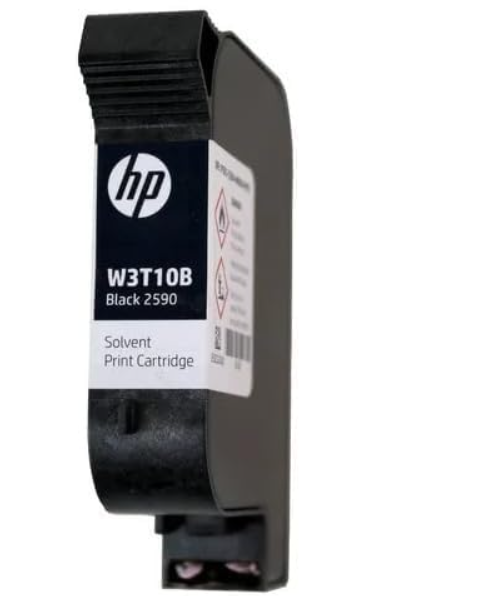
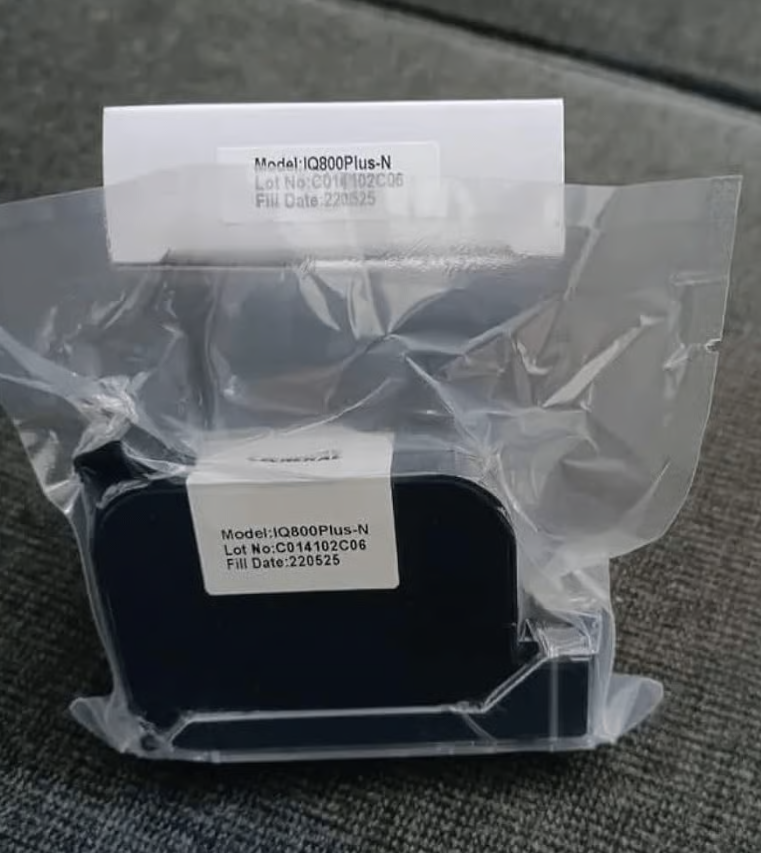
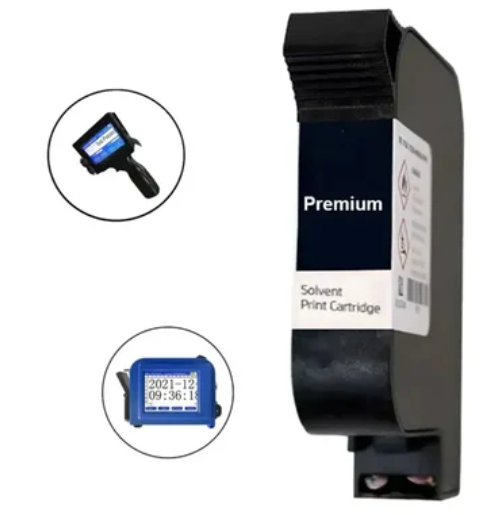
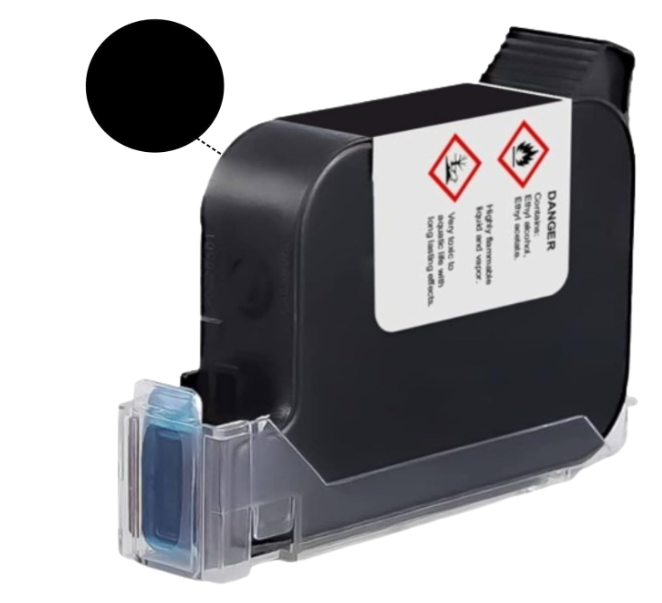
Equipped with a highly responsive, wide digital color touchscreen display, operators can directly script multi-line text blocks, incrementing serial counters, custom manufacturing codes (MFG), expiry dates (EXP), high-density barcodes, and brand logos without requiring external PC connectivity. The comprehensive production kit comes bundled with a premium, high-adhesion fast-drying black solvent ink cartridge, ensuring permanent 600 DPI smudge-proof marking on smooth, irregular, or curved surfaces like plastic bottles, glass jars, aluminum caps, food pouches, and cardboard boxes.
Applications :
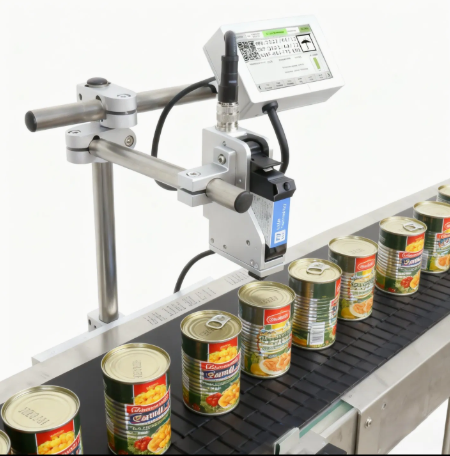
- Food and Beverage: Printing dates, batch codes, and MRP on pouches, bottles, and containers.
- Pharmaceuticals: Marking expiry dates and batch numbers on medicine packaging.
- Cosmetics: Printing production dates and lot numbers on product labels and containers.
- Manufacturing: Applying part numbers, serial numbers on various components.
- Consumer Goods: Printing necessary information on retail packaging.
- Logistics and Warehousing: Marking boxes and cartons with identification codes.
You May Also Like
Product Information
Specification
- Brand
- Universal Seal
- Weight (Approx.)
- 2 kg
- Title
- High Speed 12.7mm with Cartridge Plastic Body TIJ Printer for Date, MRP, Date Printing
- Material
- Hard Plastic
- Print Speed
- 60 m/min
- Automation Grade
- Semi-Automatic
- Voltage
- Rechargeable battery
- Battery Life
- Depends on usage frequency and duration
- Cartridge Type
- Water Based
- Cartridge Color
- Black (Color printing available with separate color cartridges)
- Screen Size
- 4.3 inches (approx. 3.5cm x 2.5cm)
- Line Length
- Up to 10 cm per line
- Max Line
- 4 lines (with a 2mm printing head)
- Print Area
- 12.7 mm height
- Packaging Box
- Carton Box
Features :
- High-Speed Printing
- Capable of reaching a print speed of up to 60 meters per minute, enhancing efficiency.
- Portable Design
- Lightweight (approximately 2kg) and battery-powered for easy mobility.
- User-Friendly Interface
- A 4.3-inch color screen facilitates easy navigation and operation.
- Cartridge System
- Utilizes replaceable water-based black ink cartridges for simple maintenance.
- Multi-Line Printing
- Supports printing up to four lines with a 2mm print head, offering flexibility in content.
- Adjustable Line Length
- Each line can have a maximum length of 10cm.
- Versatile Printing
- Ideal for printing dates, MRP, batch codes and other variable data.
- Semi-Automatic Operation
- Requires manual positioning of the print head but automates the printing process once initiated.
- Cost-Effective
- Compatible with regular cartridges without RFID chips.
- Durable Construction
- Hard plastic body ensures longevity.
Usage :
- Initial Setup
- Calibrate the machine as instructed in the user manual for the first-time use.
- Cartridge Installation
- Insert the black ink cartridge (or a color cartridge if desired) into the designated slot.
- Content Creation
- Use the onboard interface to create or upload the desired print content (text, numbers).
- Settings Adjustment
- Configure printing parameters such as font size, line spacing, and print position.
- Printing
- Manually position the print head over the desired printing area on the product or packaging. Initiate the printing process via the control panel.
- Battery Management
- Ensure the battery is adequately charged for uninterrupted operation. Recharge as needed.
Maintenance:
- Cartridge Handling
- Store ink cartridges properly to prevent drying or damage. Replace cartridges when ink is depleted.
- Print Head Cleaning
- Regularly clean the print head with a lint-free cloth and appropriate cleaning solution (as recommended by the manufacturer) to prevent clogging and maintain print quality.
- Dust and Debris Removal
- Keep the printer body and surrounding area free from dust and debris.
- Storage
- When not in use, store the printer in a clean and dry environment, ideally in its original carton box.
- Software Updates (if applicable)
- Check for and install any available software updates to ensure optimal performance.
Accessories :
- 1
- Positioning Plate
- 1
- Charger
- 1
- Battery (Need to be attached with the machine)
- 1
- Cartridge
- 1
- Styler/Pen
- 2
- Rubber band (1 small & 1 big)
Precautionary Guidance:
- Handle with Care
- Avoid dropping or subjecting the printer to physical shock.
- Use Specified Cartridges
- Only use cartridges compatible with this printer model. Note that this machine does not require RFID chips.
- Power Safety
- Use the correct charging adapter and follow the manufacturer's instructions for charging the battery. Avoid overcharging.
- Ink Handling
- Avoid direct contact with ink. If skin contact occurs, wash thoroughly with soap and water.
- Environmental Conditions
- Operate and store the printer within the recommended temperature and humidity ranges.
- Keep Away from Liquids
- Prevent liquids from entering the printer.
- Refer to Manual
- Always consult the user manual for detailed operating instructions and troubleshooting guidance.
- Calibration
- Ensure proper calibration is performed, especially for the initial setup, to achieve accurate printing results.
- Video Reference
- The provided reference video is for general understanding and may not represent the exact operation of this specific model. Always refer to the user manual.