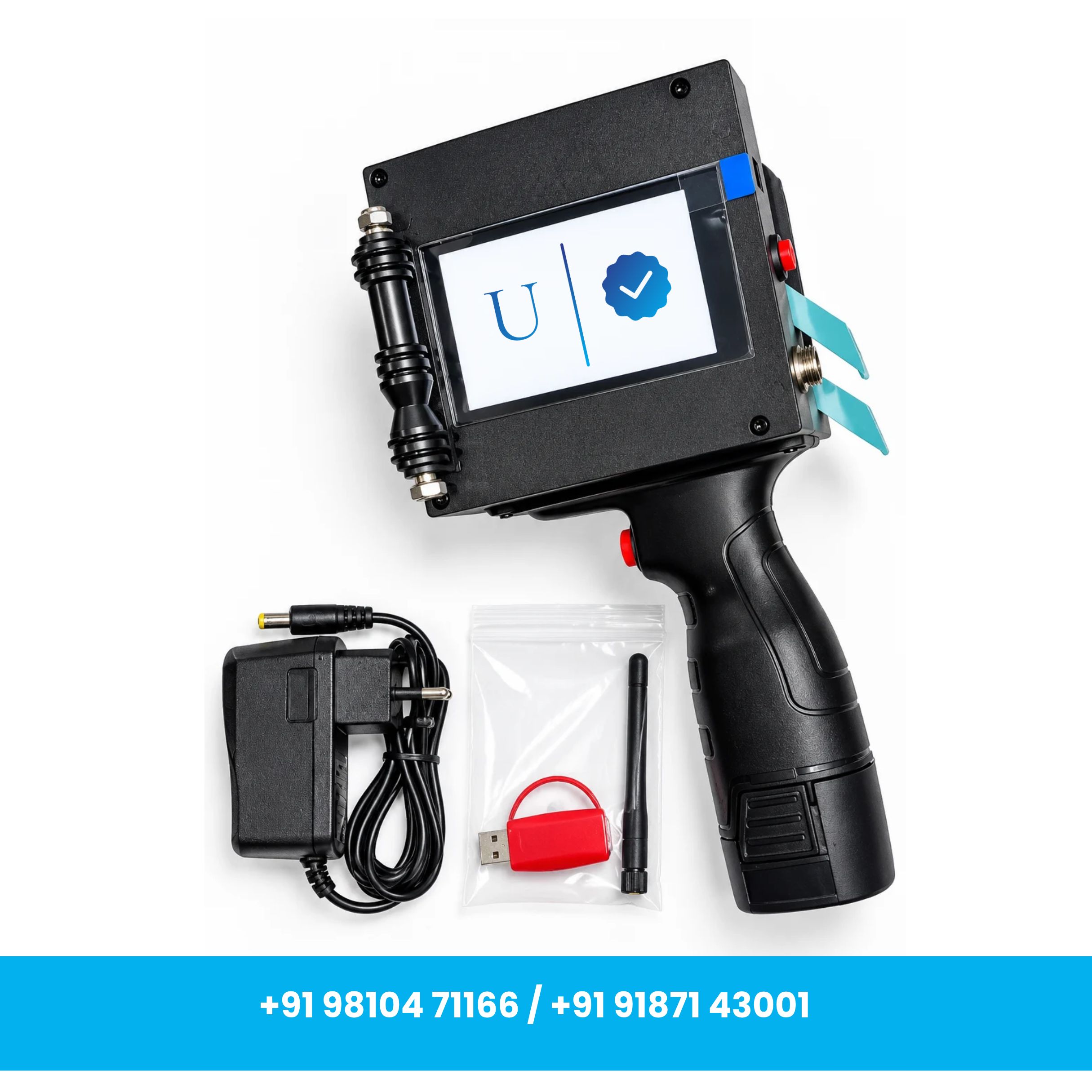
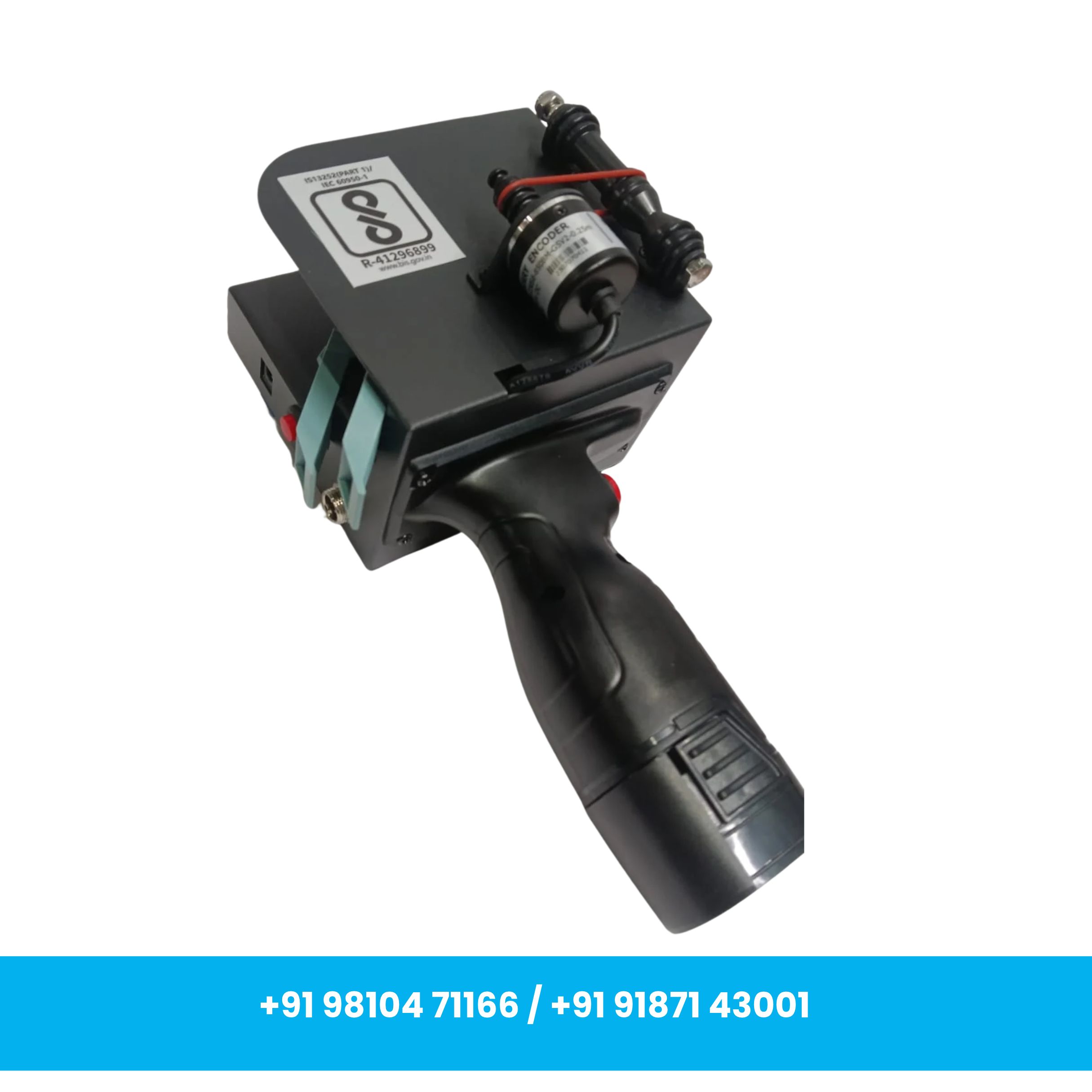
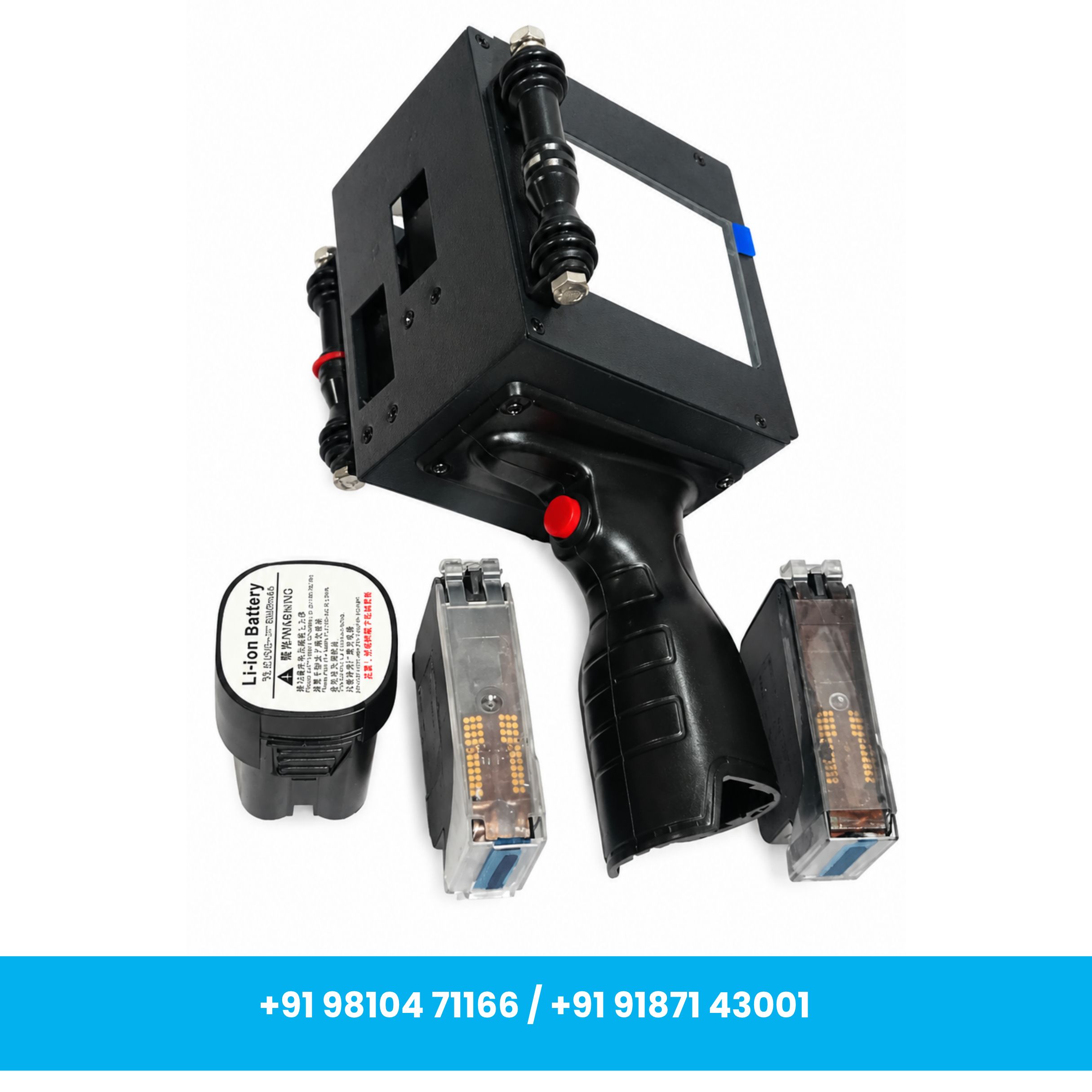
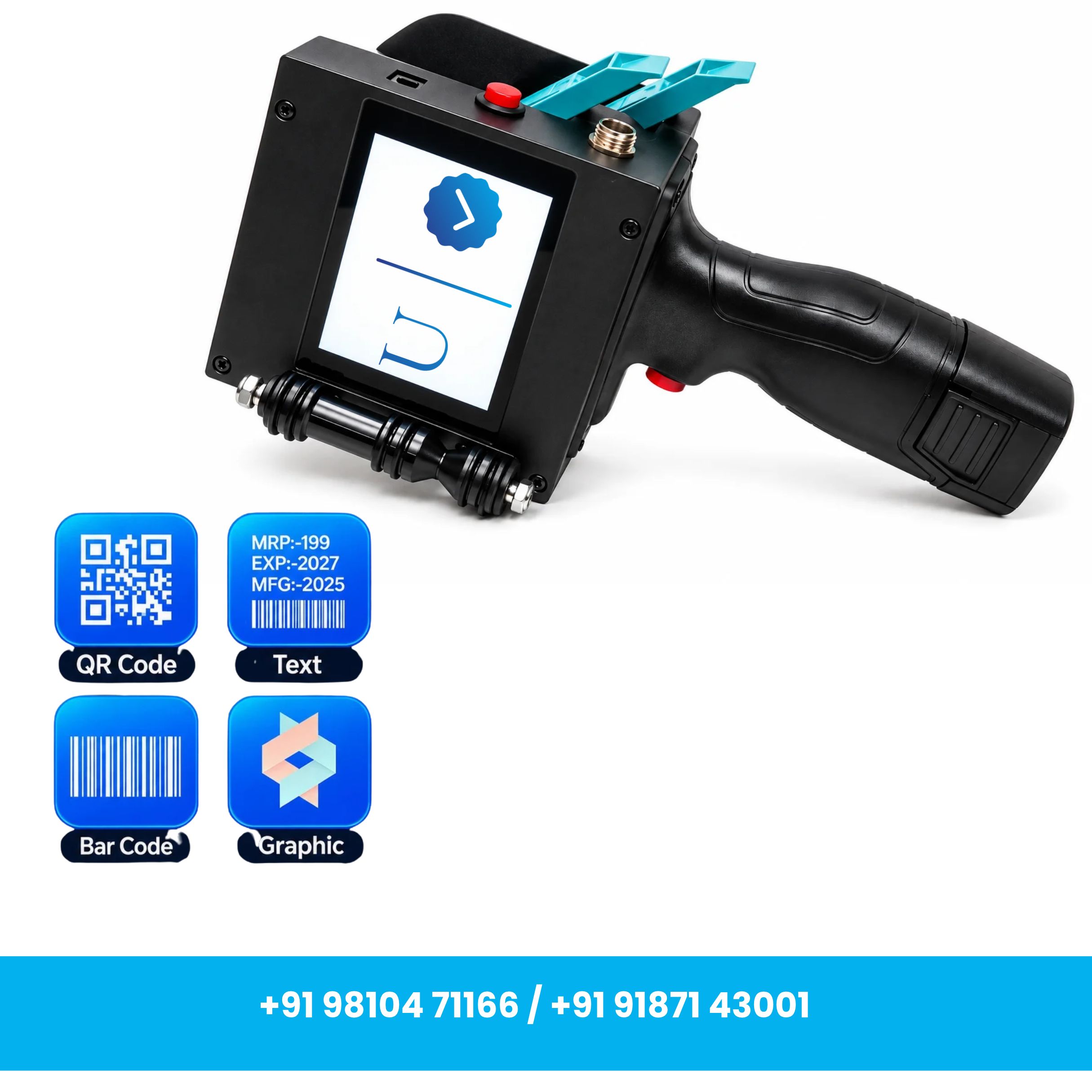
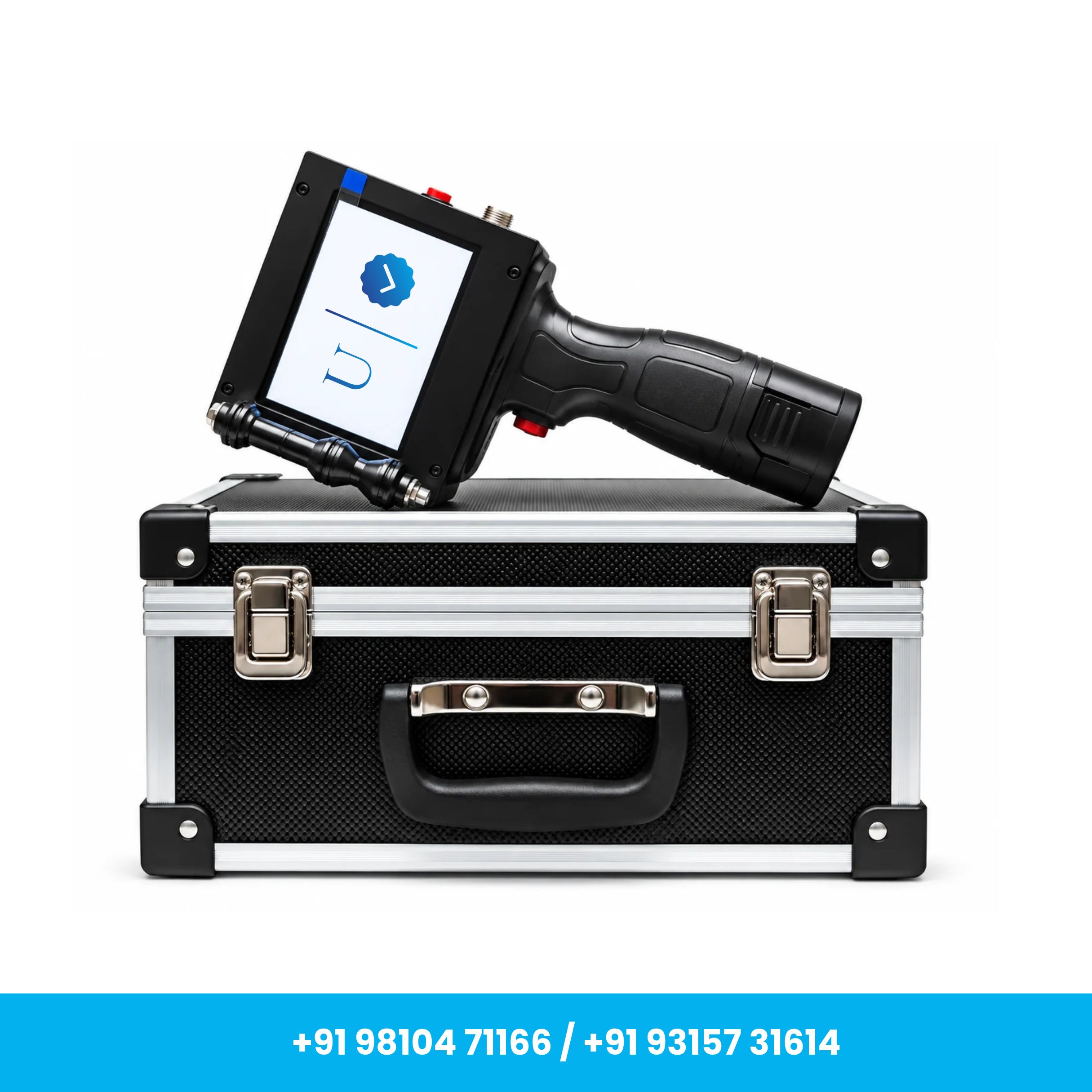
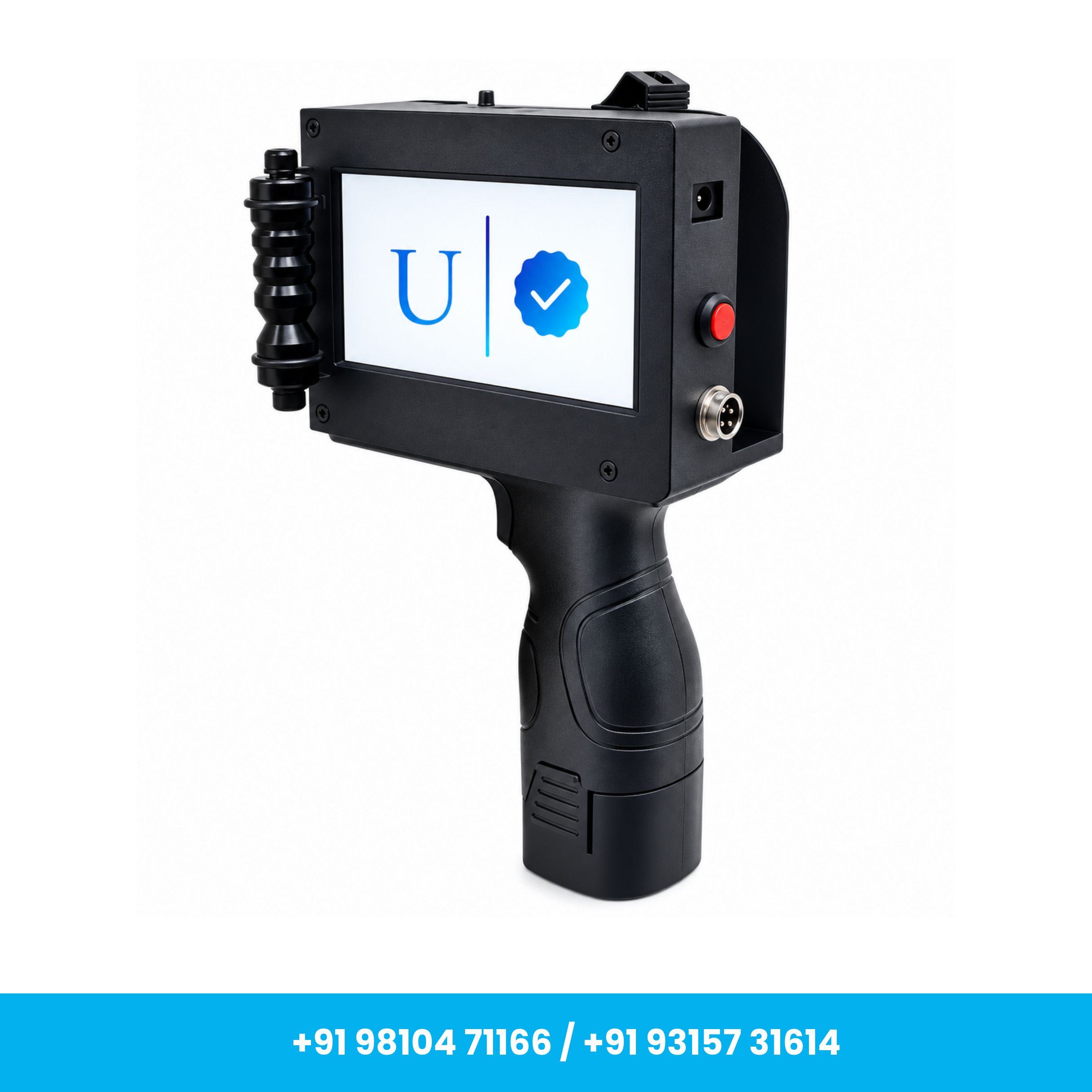
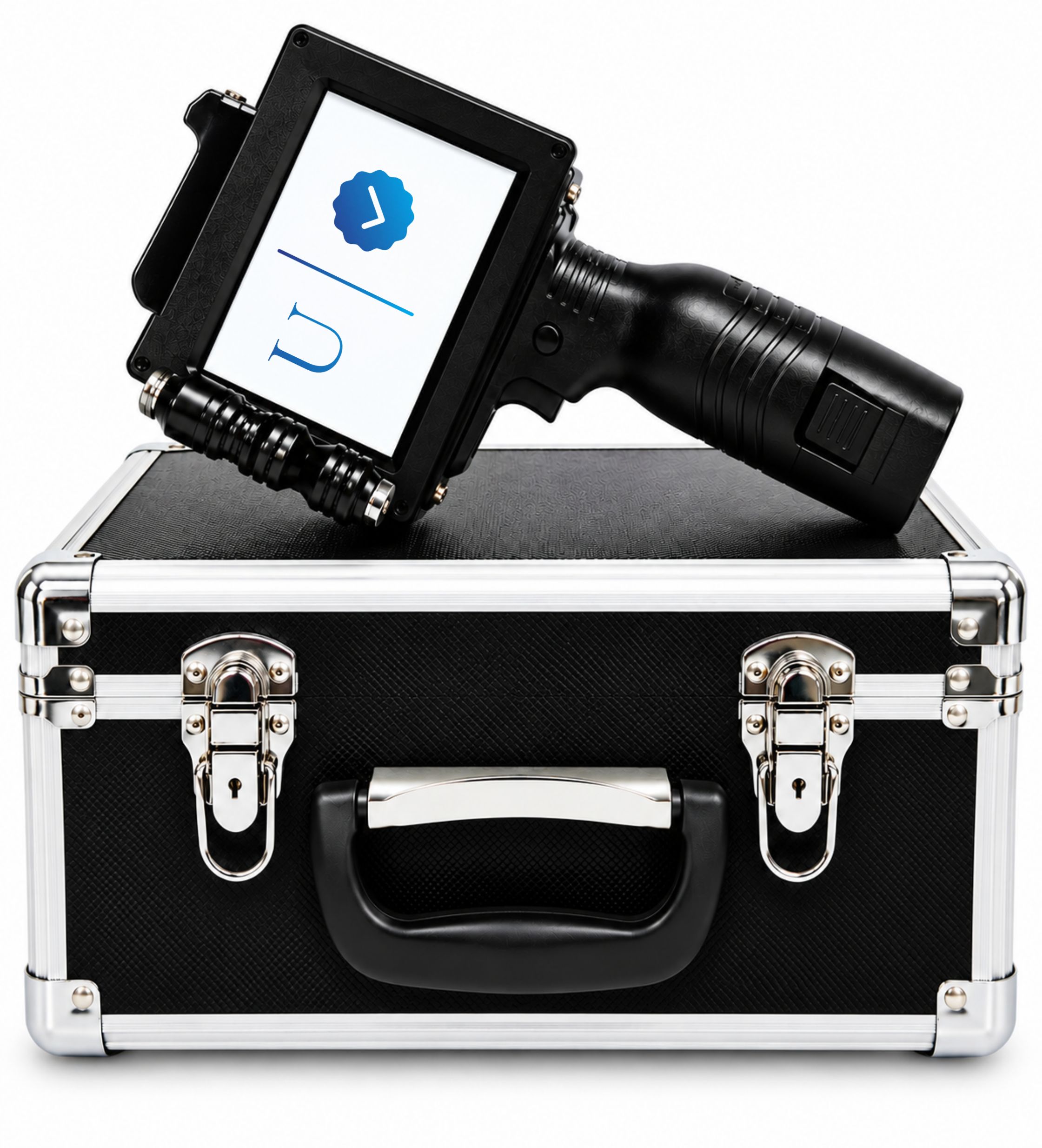
Handheld 50 mm Thermal Inkjet Printer with Solvent Ink Cartridge
MRP: ₹40,000
Inclusive of GST
Product Overview
Handheld 50mm Thermal Inkjet Printer for Large-Format Coding & Marking
USB-Type Connector for Convenient Data Transfer
Up to 600 DPI High-Resolution Printing for Clear & Sharp Output
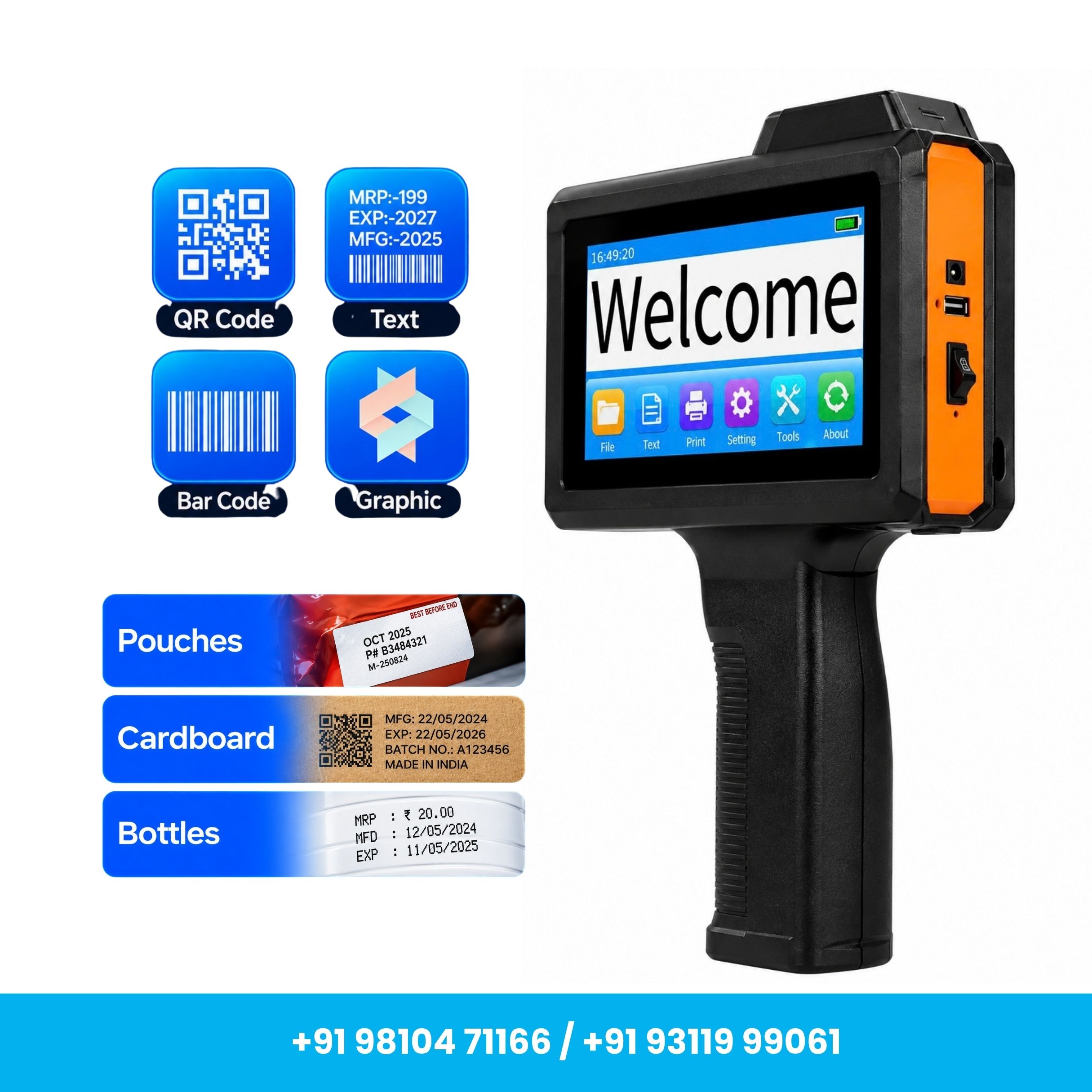
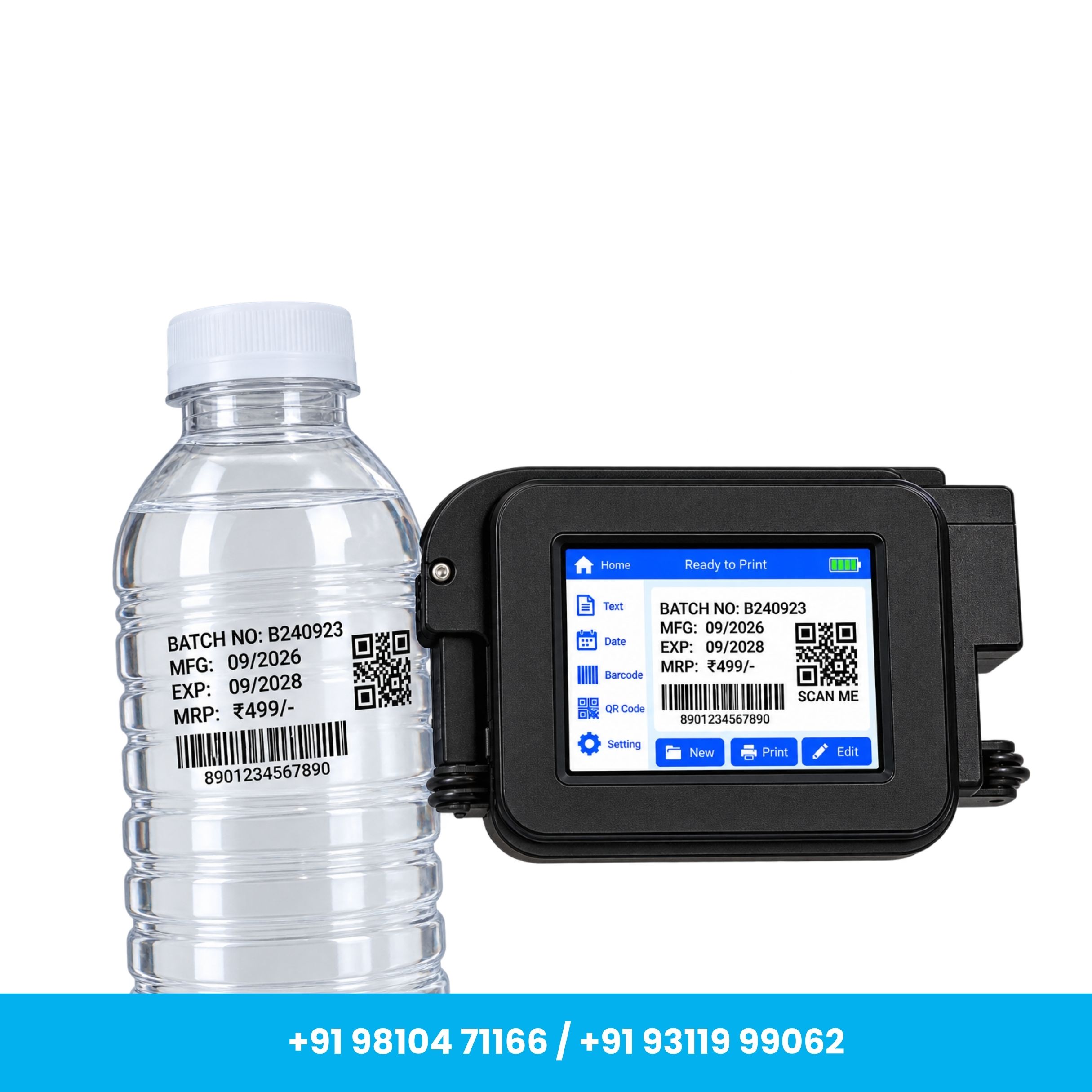
Ideal for MRP, Batch No., MFG/EXP Date, Text, Barcode, QR Code & Logo Printing
About This Item
Product Description
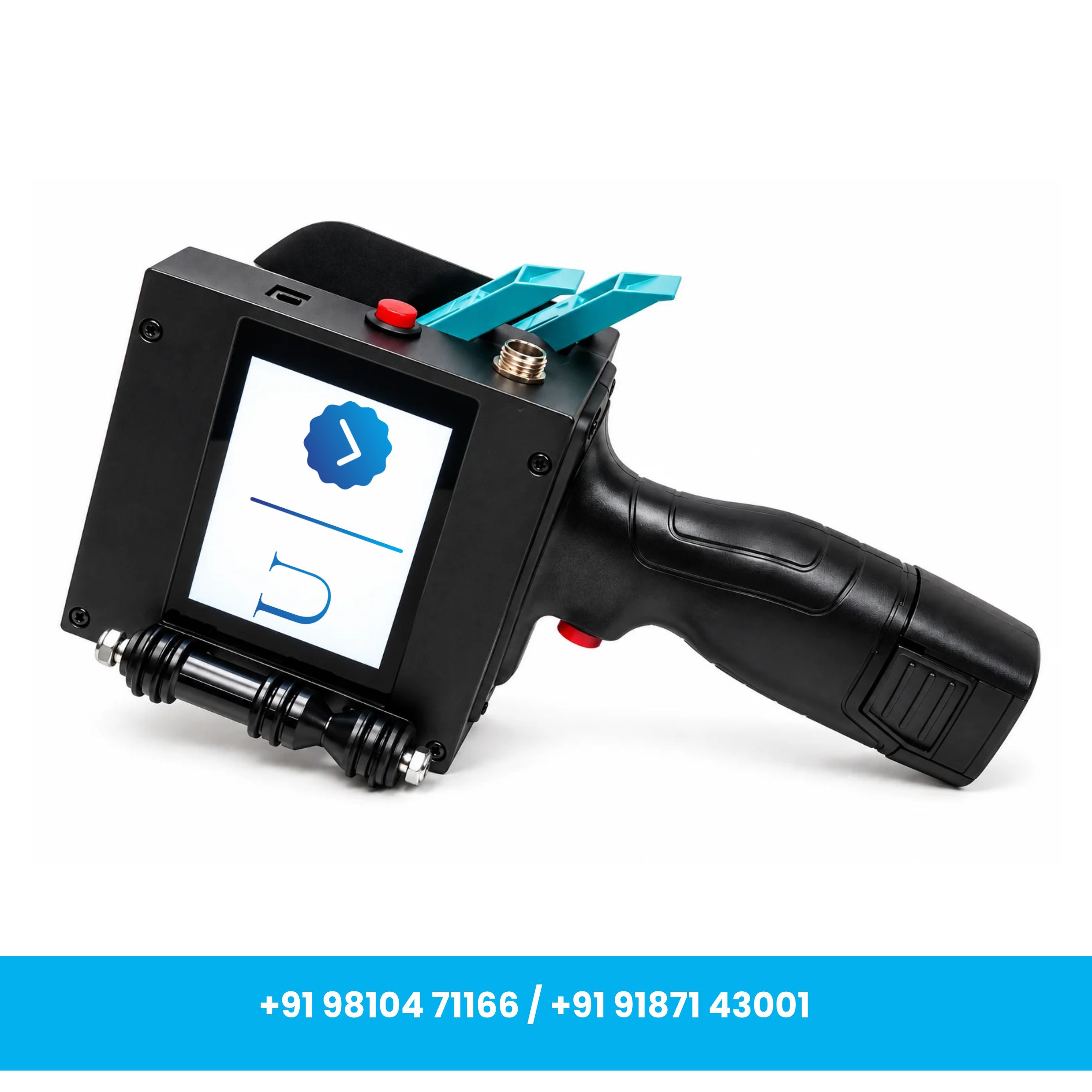
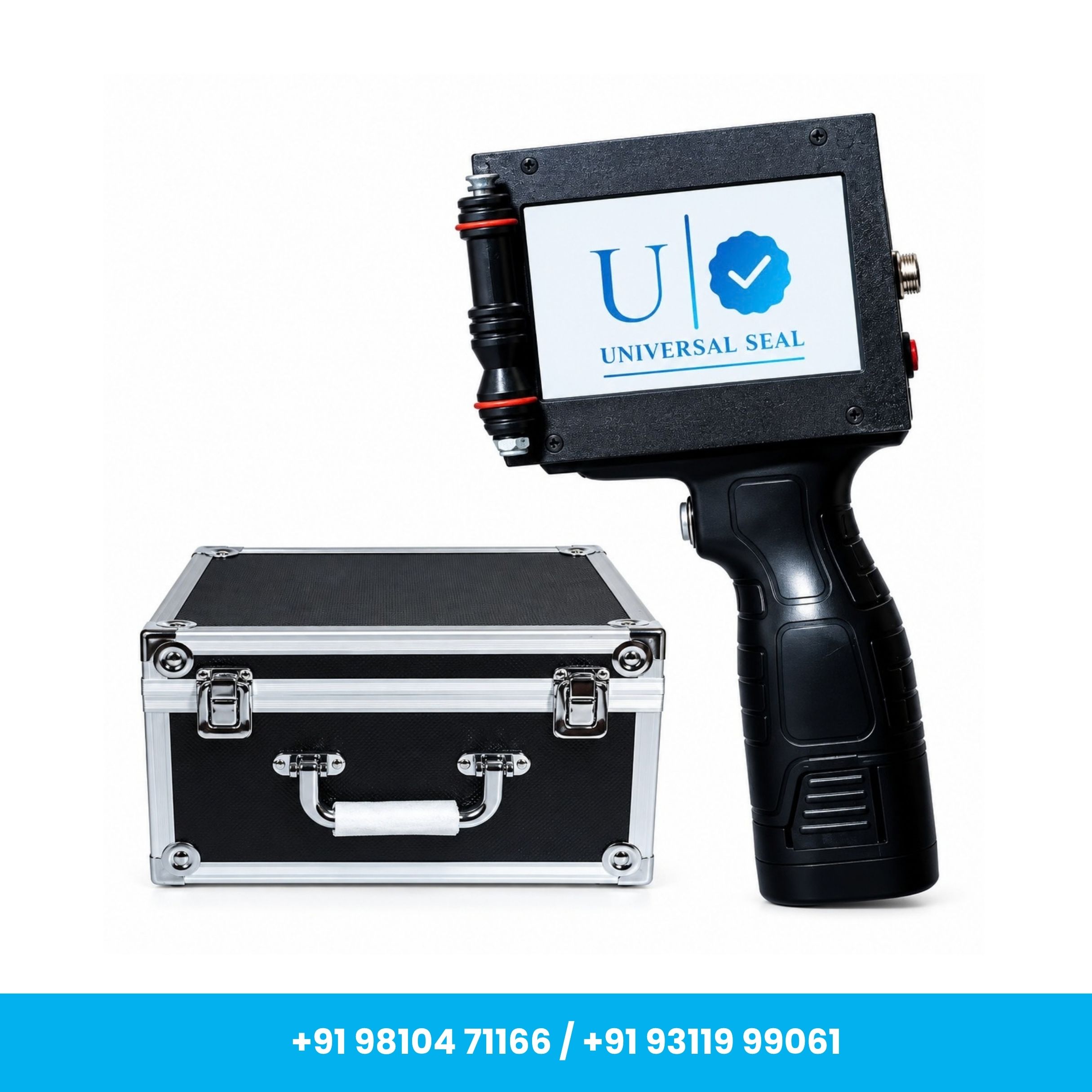
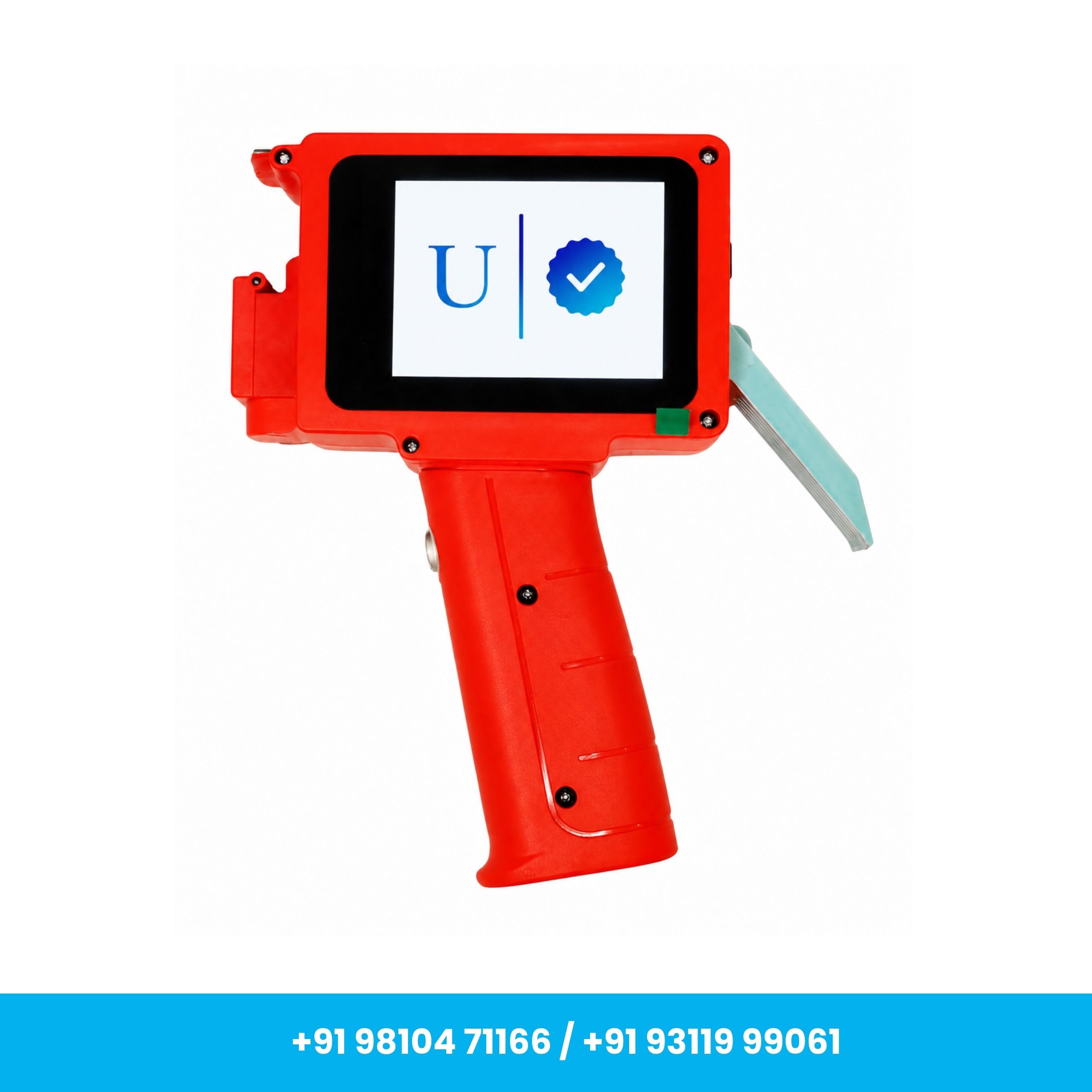
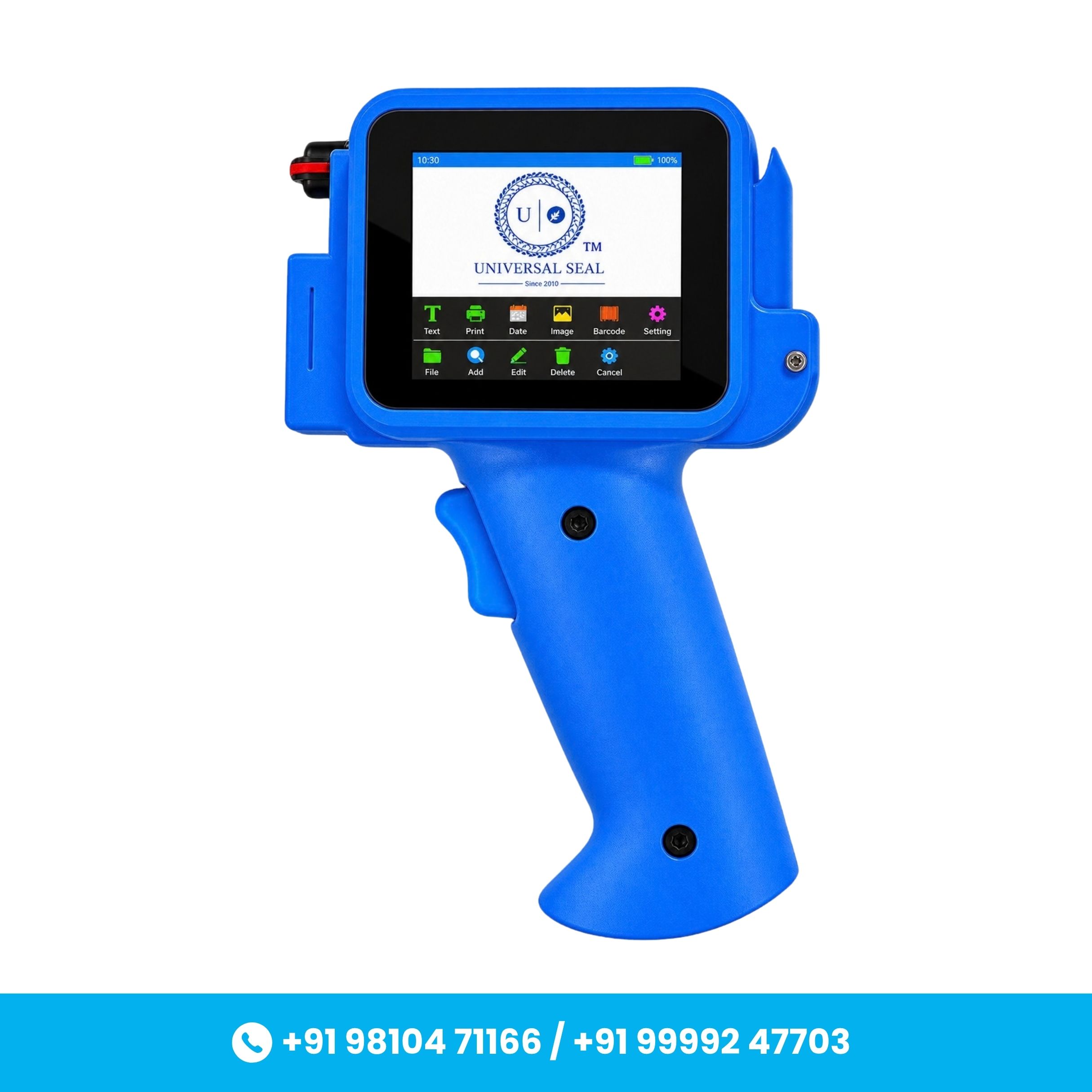
The Universal Seal Handheld 50mm Thermal Inkjet Printer is a portable and versatile coding solution designed for industrial, packaging, production, and product-marking applications. Equipped with Thermal Inkjet (TIJ) technology, it delivers clear and high-quality printing with a resolution of up to 600 DPI.
The printer features a durable metal body with a hard plastic handle, providing a practical combination of strength and portability. Its 50 mm printing capability makes it suitable for printing larger text, codes, and product information.
It supports printing of MRP, Batch No., MFG Date, EXP Date, text, numbers, barcodes, QR codes, logos, graphics, and other variable data on compatible surfaces.
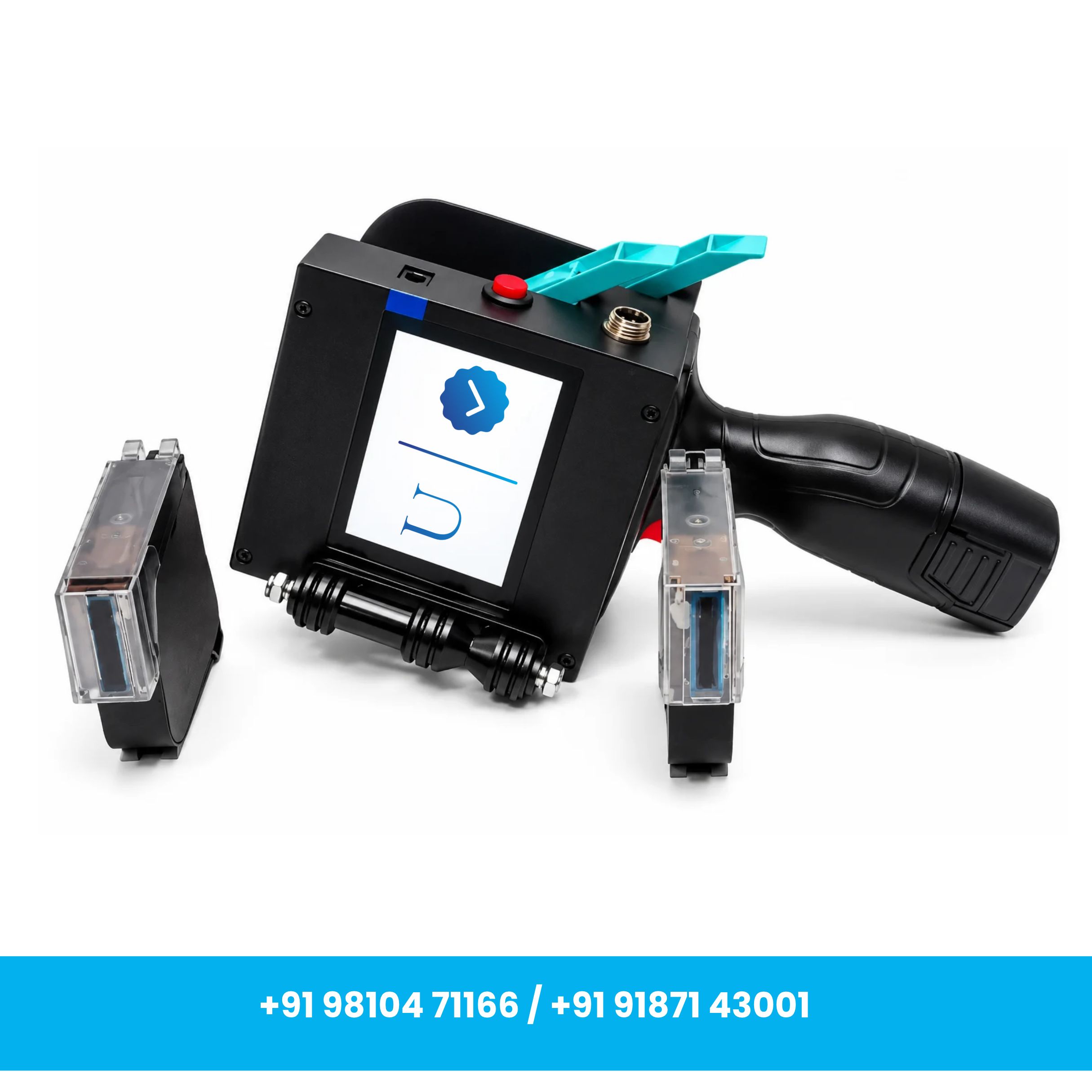
The machine comes with 1 black solvent-based ink cartridge, making it suitable for printing on a variety of compatible packaging and industrial surfaces.
Key Features
- 50mm Large Printing Capability: Designed for larger-format product coding and marking requirements.
- High-Resolution Printing: Delivers print resolution of up to 600 DPI for clear text, barcodes, QR codes and graphics.
- Thermal Inkjet Technology: Provides convenient cartridge-based printing for commercial and industrial applications.
- Solvent-Based Ink Cartridge: Supplied with 1 black solvent-based cartridge.
- Durable Metal Body: Strong metal construction suitable for regular industrial use.
- Portable Handheld Design: Hard plastic ergonomic handle makes the printer convenient to carry and operate.
- USB Connectivity: Features a USB-type connector for convenient data transfer.
- Variable Data Printing: Suitable for MRP, Batch No., MFG/EXP Date, text, numbers, barcode, QR code and other variable information.
- User-Friendly Operation: Designed for convenient creation and adjustment of printing content.
- Easy Cartridge Replacement: Cartridge-based system allows convenient installation and replacement.
- Multiple Applications: Suitable for industrial coding, packaging, production houses and conveyor-based printing applications.
Specifications
- Brand: Universal Seal
- Product Type: Handheld 50mm Thermal Inkjet Printer
- Weight (Approx.): 3.5 kg
- Body Material: Metal Body
- Handle Material: Hard Plastic
- Printing Technology: Thermal Inkjet (TIJ)
- Maximum Printing Height: Up to 50 mm
- Print Resolution: Up to 600 DPI
- Printer Output: Monochrome
- Connector Type: USB
- Maximum Print Speed (Monochrome): Up to 6 pps
- Maximum Print Speed (Color): Up to 6 pps*
- Cartridge Type: Solvent-Based
- Cartridge Color: Black
- Cartridge Included: 1 Black Solvent-Based Cartridge
- Suitable Applications: Industrial Coding, Packaging, Product Marking, Production Houses & Conveyor-Based Printing
* Color printing requires a separate compatible color cartridge.
Printing Content
The printer can be used for printing:
- MRP
- Batch Number
- MFG Date
- EXP Date
- Text & Numbers
- Barcodes
- QR Codes
- Logos & Graphics
- Product Information
- Variable Data
Applications
Food & Beverage:
Suitable for printing expiry dates, manufacturing dates, batch numbers, MRP and product information on compatible packaging materials.
Pharmaceuticals:
Useful for printing batch information, manufacturing/expiry dates, codes and other required product details on compatible packaging.
Electronics:
Can be used for printing barcodes, QR codes, identification information and variable data on compatible components and packaging.
Retail & Consumer Goods:
Suitable for printing pricing information, product codes and other variable details on compatible products and packaging.
Manufacturing & Industrial:
Designed for product identification, coding and marking across compatible industrial materials and packaging.
Production & Conveyor Applications:
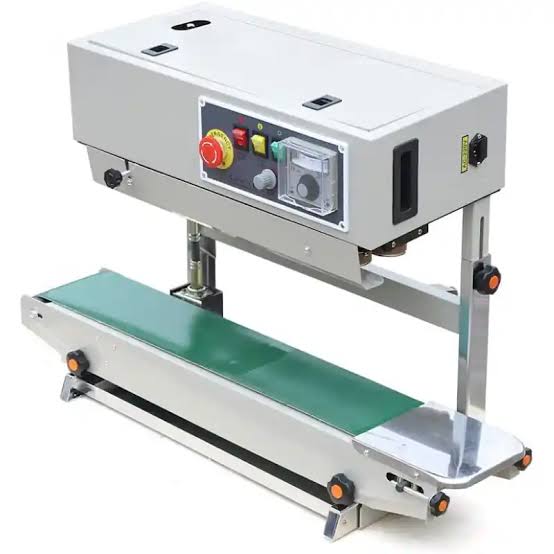
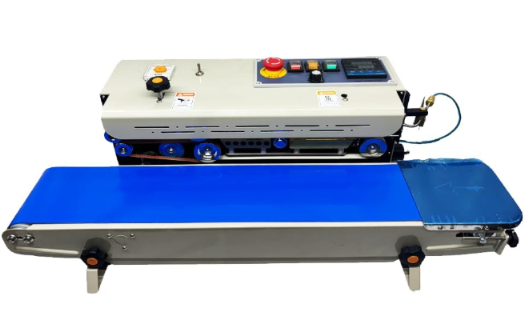
Suitable for handheld use as well as compatible conveyor-based printing applications, depending on the production setup.
How to Use
- Initial Setup: Unpack the printer and check the supplied machine, cartridge, charger and other accessories.
- Calibration: Perform the required initial calibration before first use.
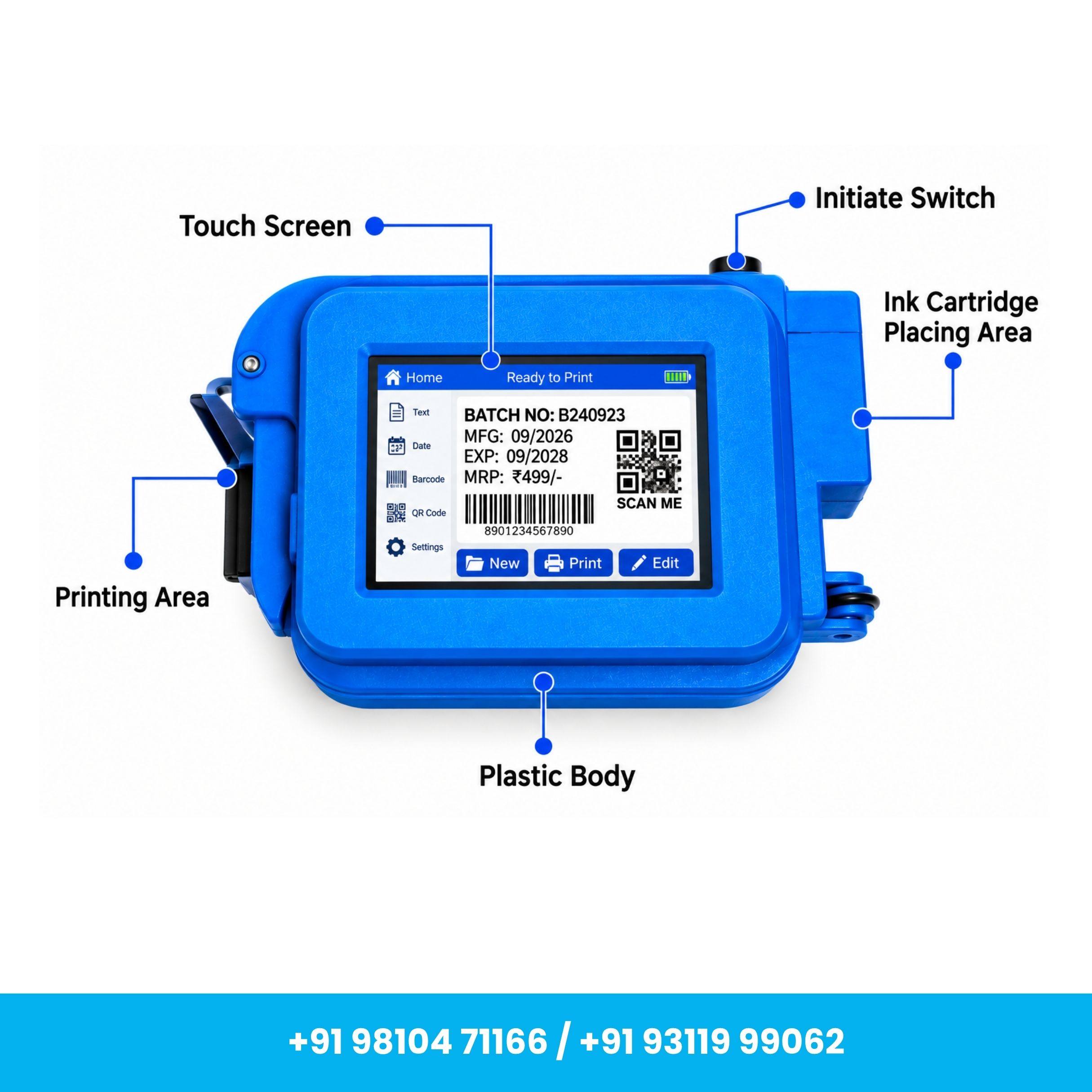
- Install the Cartridge: Insert the supplied black solvent-based cartridge securely into the cartridge compartment.
- Power On: Switch on the printer and allow the system to initialize.
- Create Print Content: Use the printer interface to create or edit text, dates, batch numbers, barcodes, QR codes and other required information.
- Adjust Settings: Configure available print settings according to the required application and surface.
- Position the Printer: Keep the product stable and correctly align the printing area with the required surface.
- Start Printing: Initiate printing and move/position the printer as required for the selected application.
- Test Before Bulk Printing: Perform a sample print to confirm print quality, position and ink compatibility before continuous production.
Maintenance & Care
- Keep the printer and print-head/nozzle area clean for consistent print quality.
- Store the printer in a cool, clean and dry environment when not in use.
- Protect the machine from excessive moisture, dust and extreme temperatures.
- Handle the solvent-based cartridge carefully and store it according to the recommended conditions.
- Clean the nozzle using a suitable lint-free material and recommended cleaning method.
- Replace the cartridge when required and ensure it is installed correctly before printing.
- Protect the printer from drops, heavy impact and liquids.
Important Notes
- 1 Black Solvent-Based Cartridge is included with the machine.
- Initial calibration is required before using the printer for the first time.
- For color printing, a compatible color cartridge needs to be purchased separately.
- Actual print quality may vary depending on the surface material, ink cartridge, print settings and operating conditions.
- Always perform a sample print before bulk production, particularly for barcodes, QR codes and detailed graphics.
- Ink and surface compatibility should be checked before continuous printing.
You May Also Like

Explore More Products