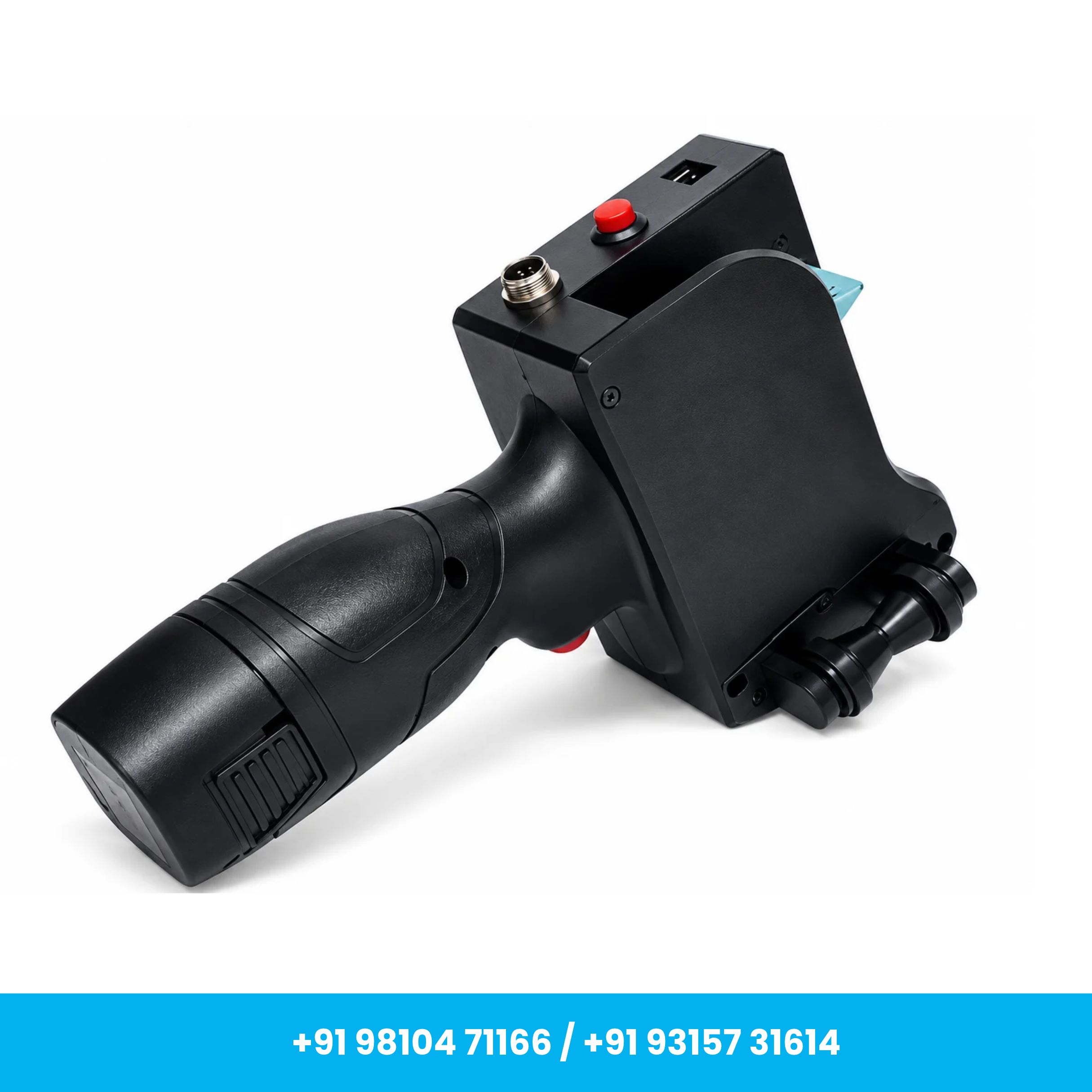
High Speed 12.7mm with Cartridge Plastic Body TIJ Printer for Date, MRP
MRP: ₹10,999
Inclusive of GST
Product Overview
High-Speed 12.7mm Plastic Body TIJ Printer for Date, MRP & Batch Coding
Includes Water-Based Ink Cartridge
Comes with Free Essential Accessories
About This Item
Product Description
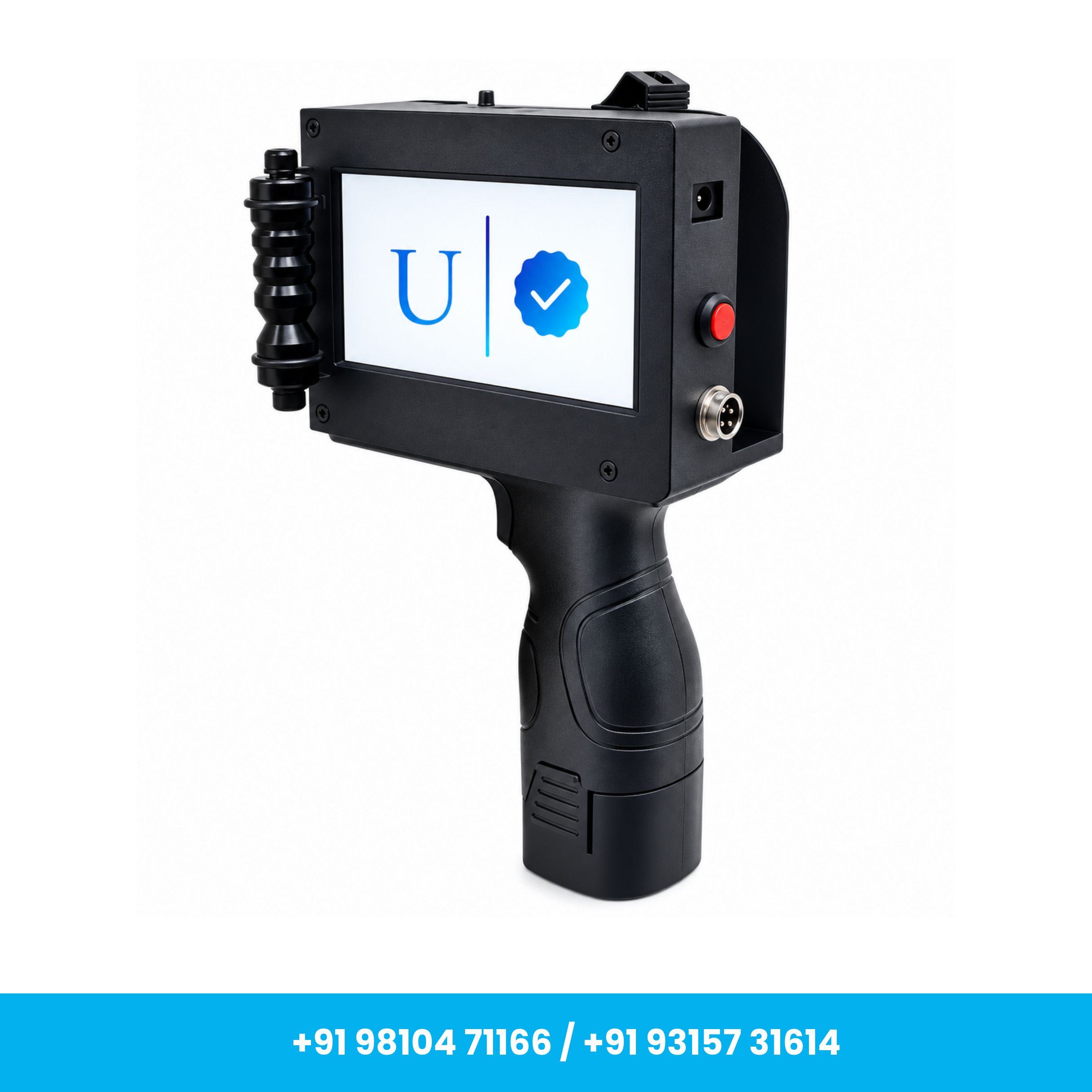
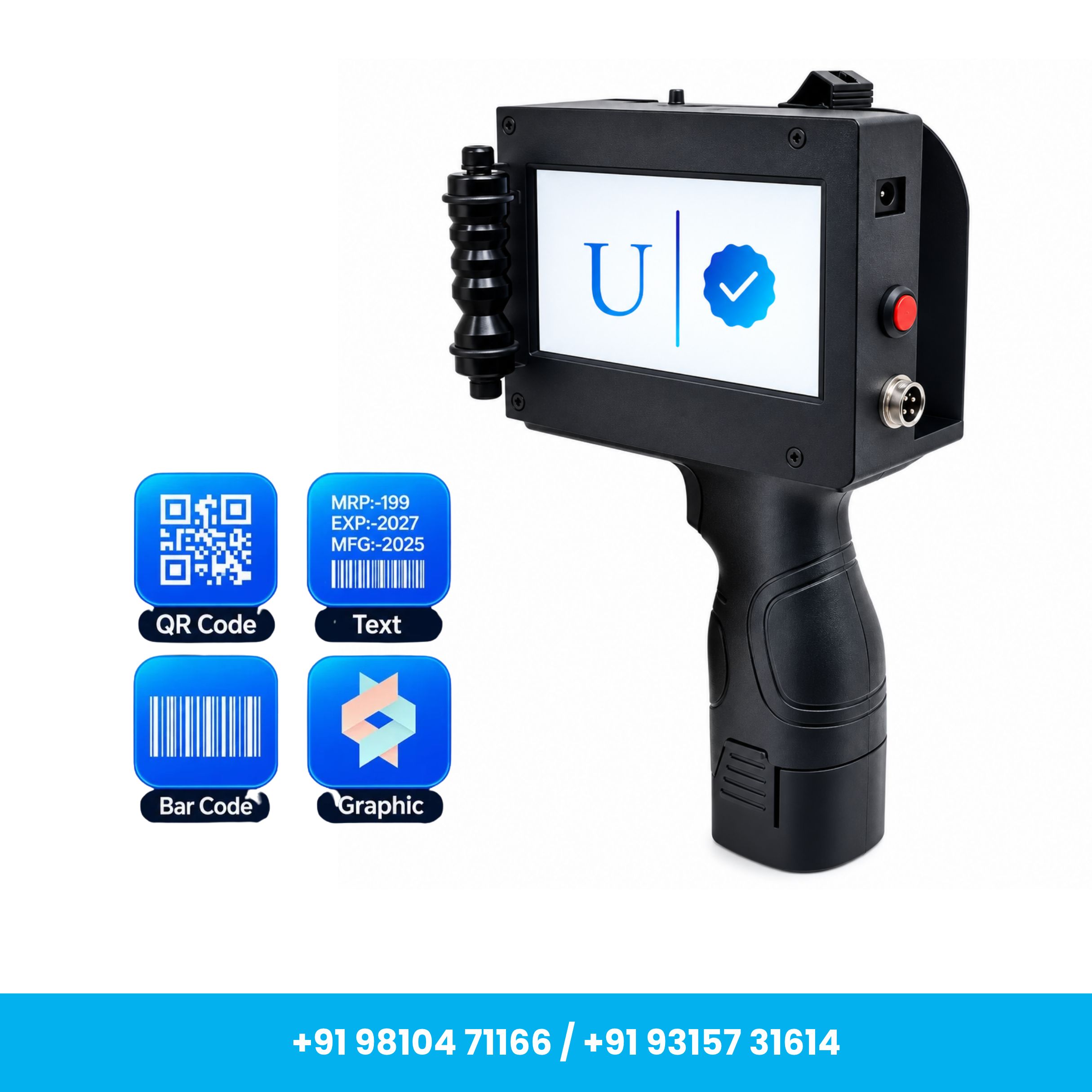
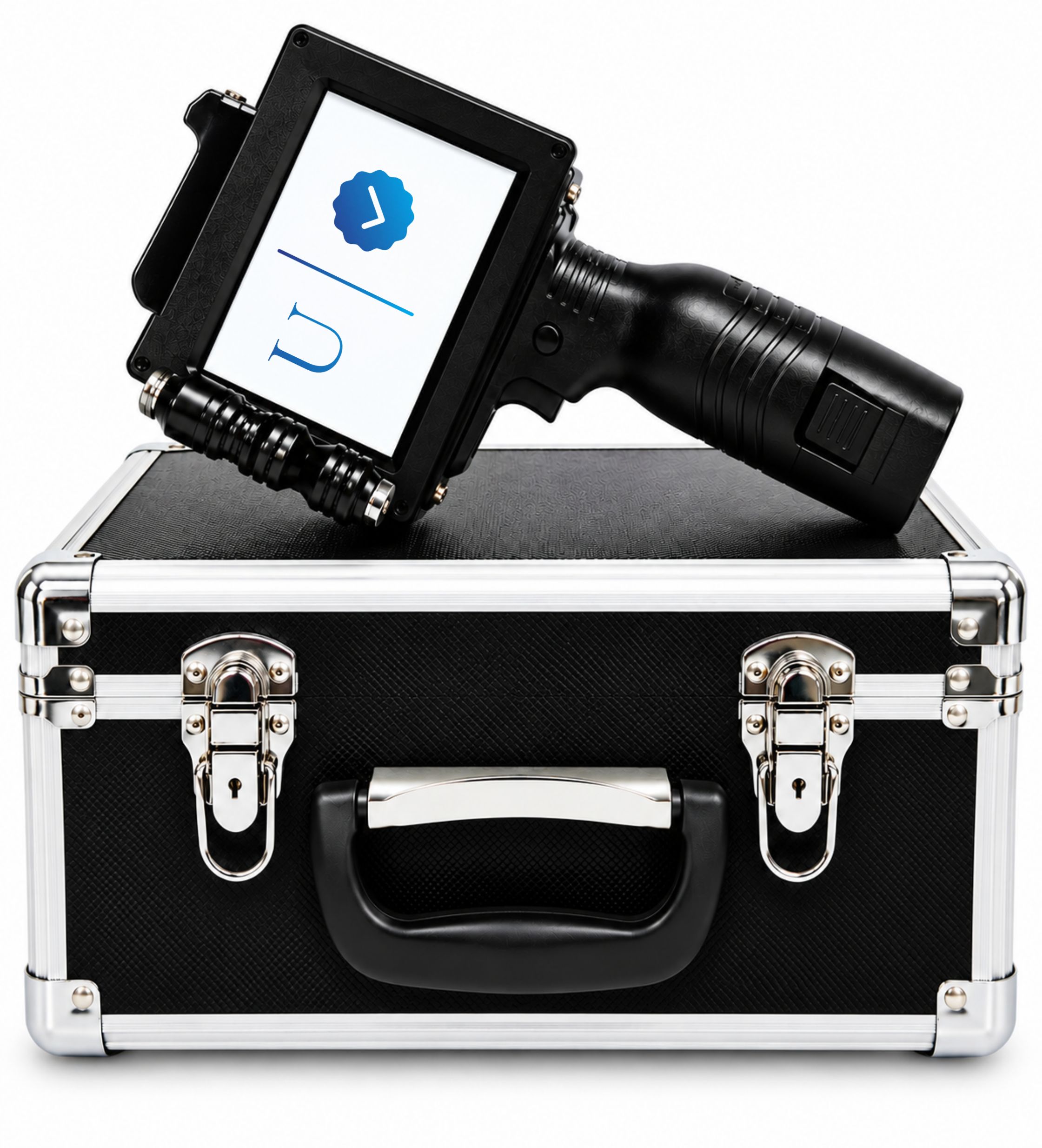
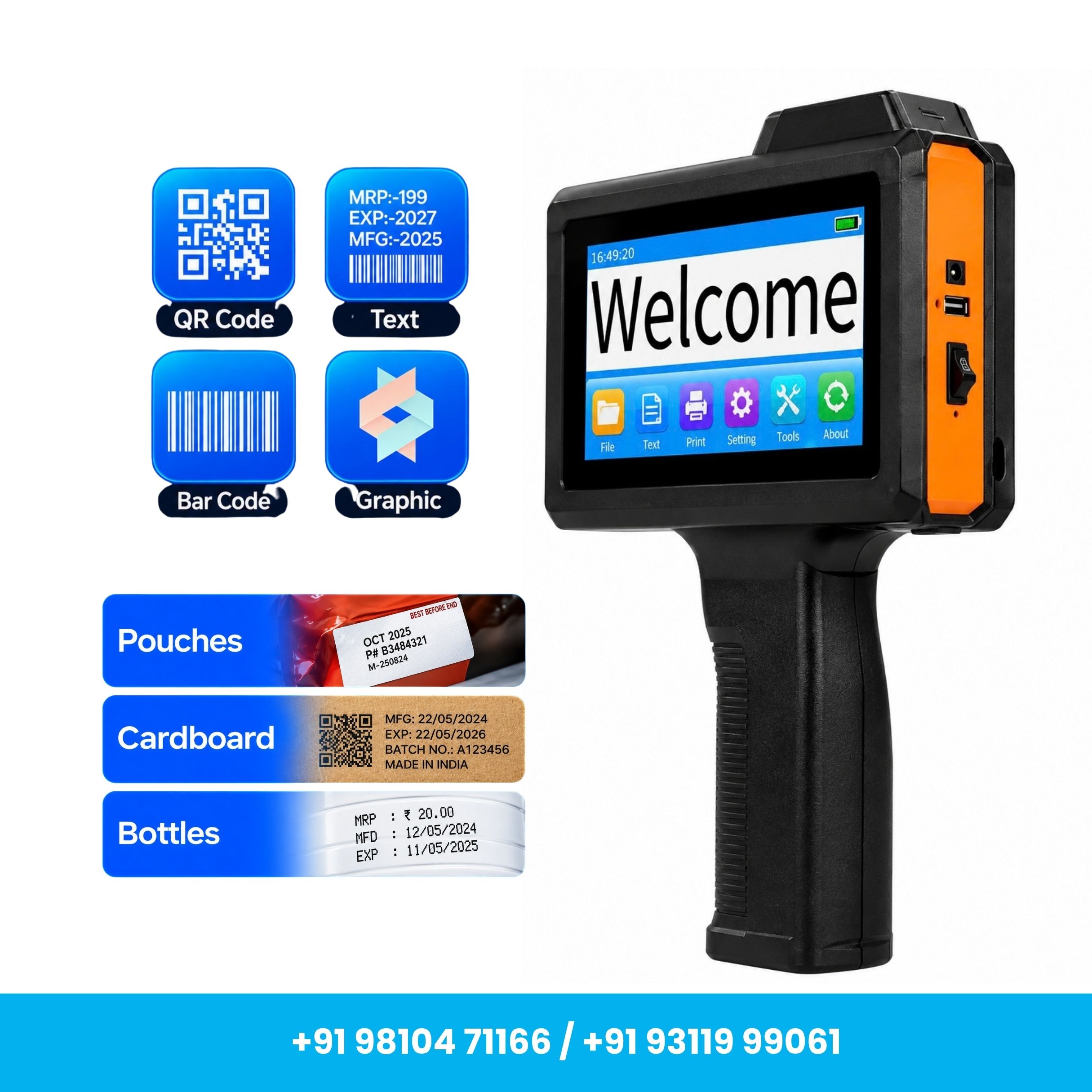
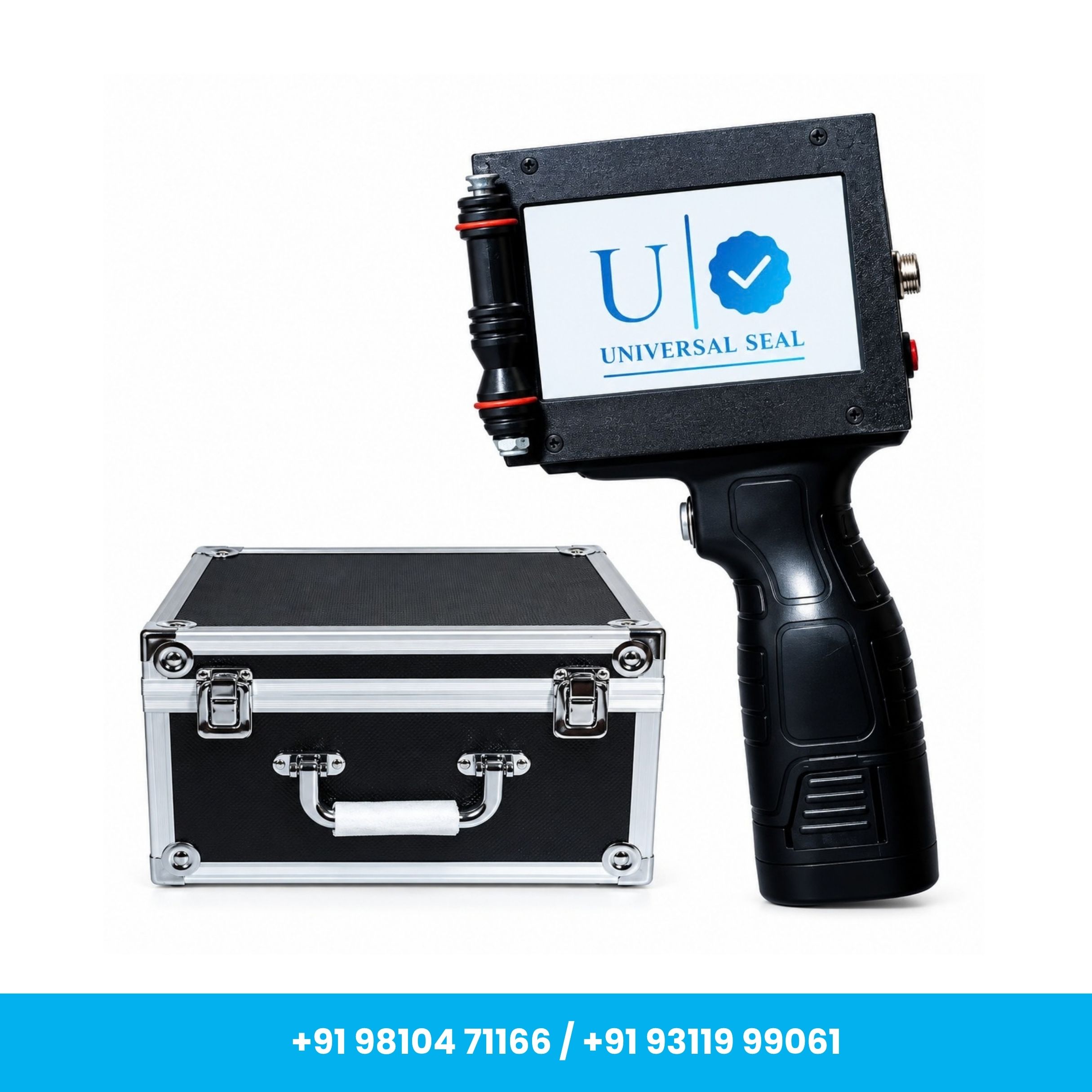
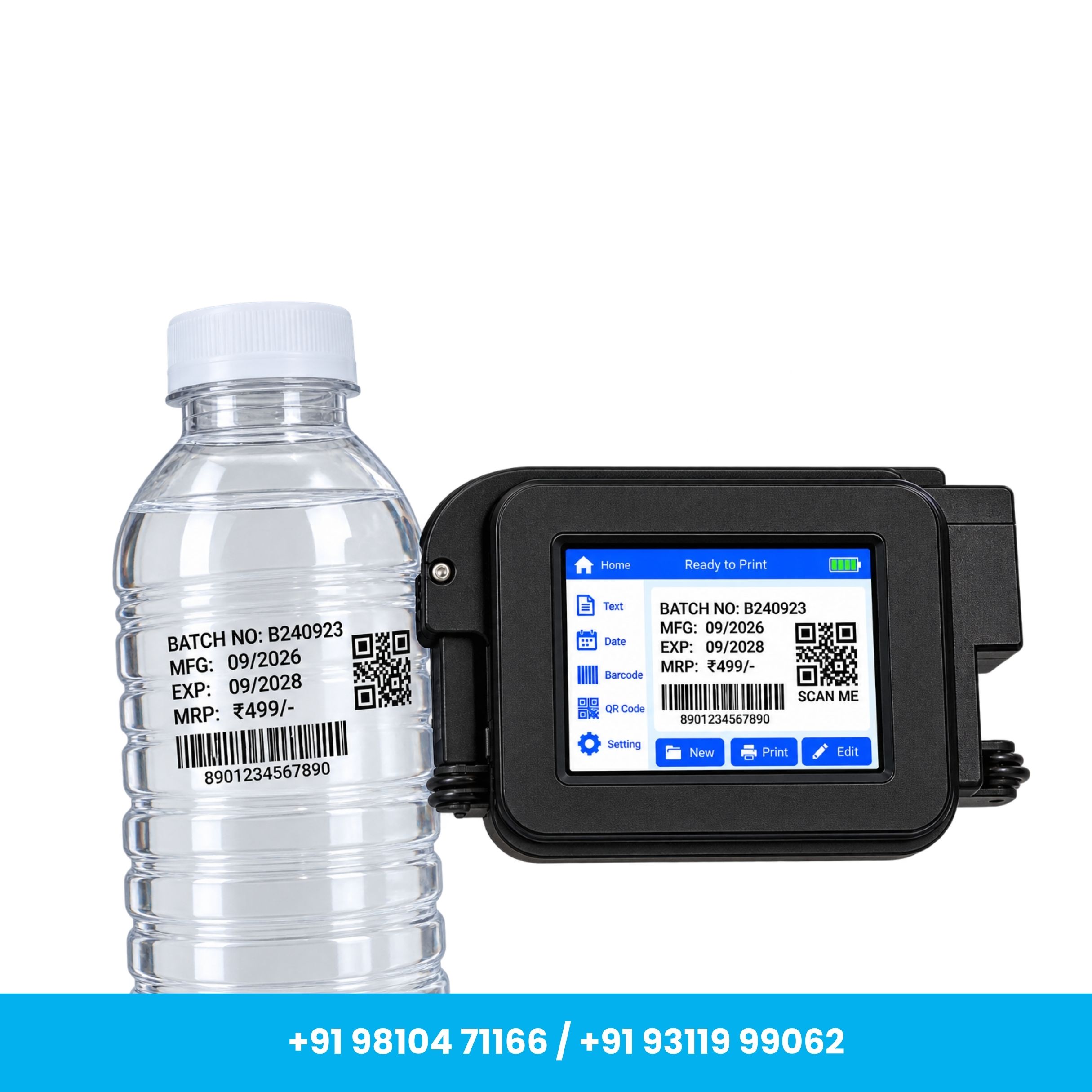
The Universal Seal High-Speed 12.7mm Plastic Body TIJ Printer is a compact and portable solution designed for efficient Date, MRP, Batch No., MFG Date, EXP Date, text, numbers, and variable data printing.
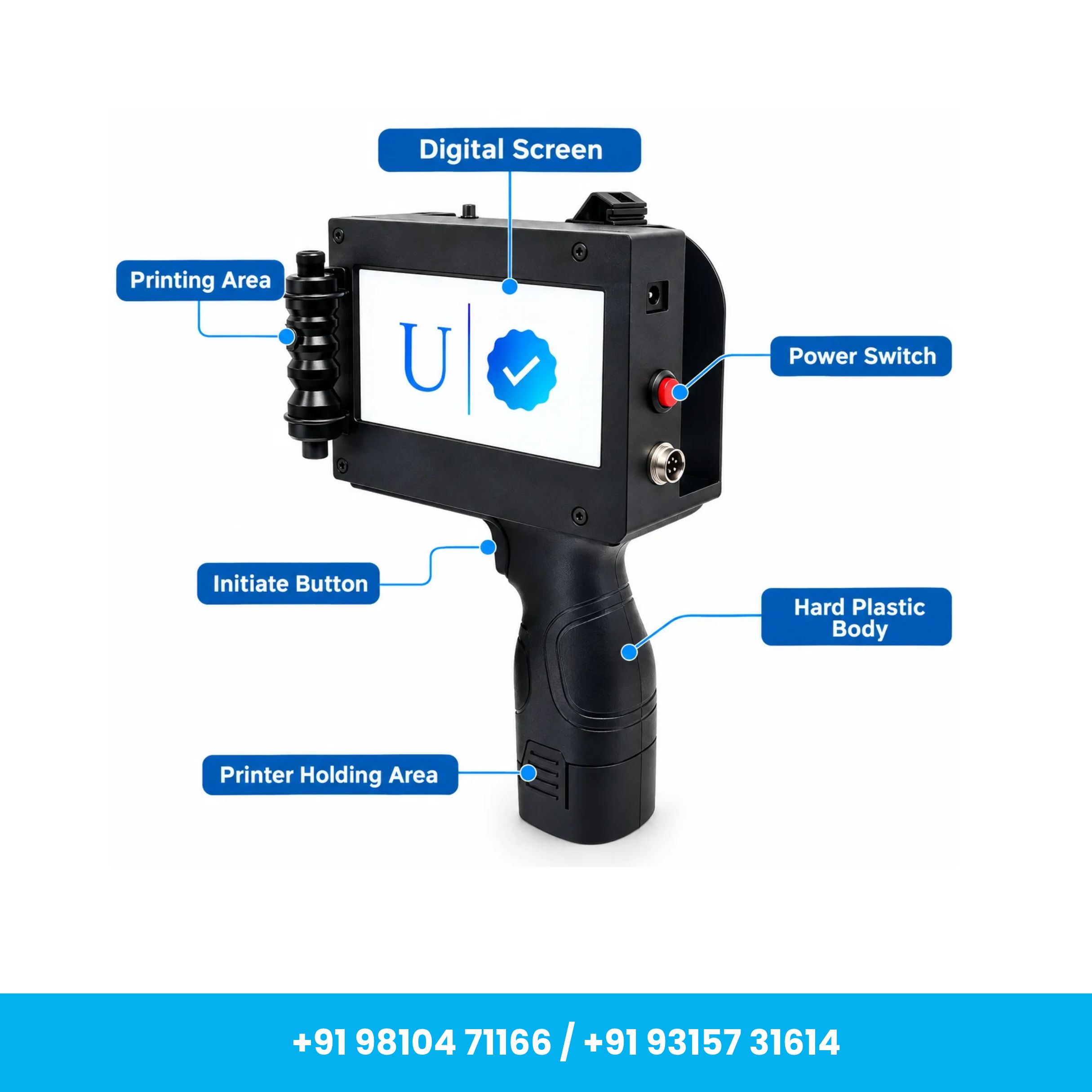
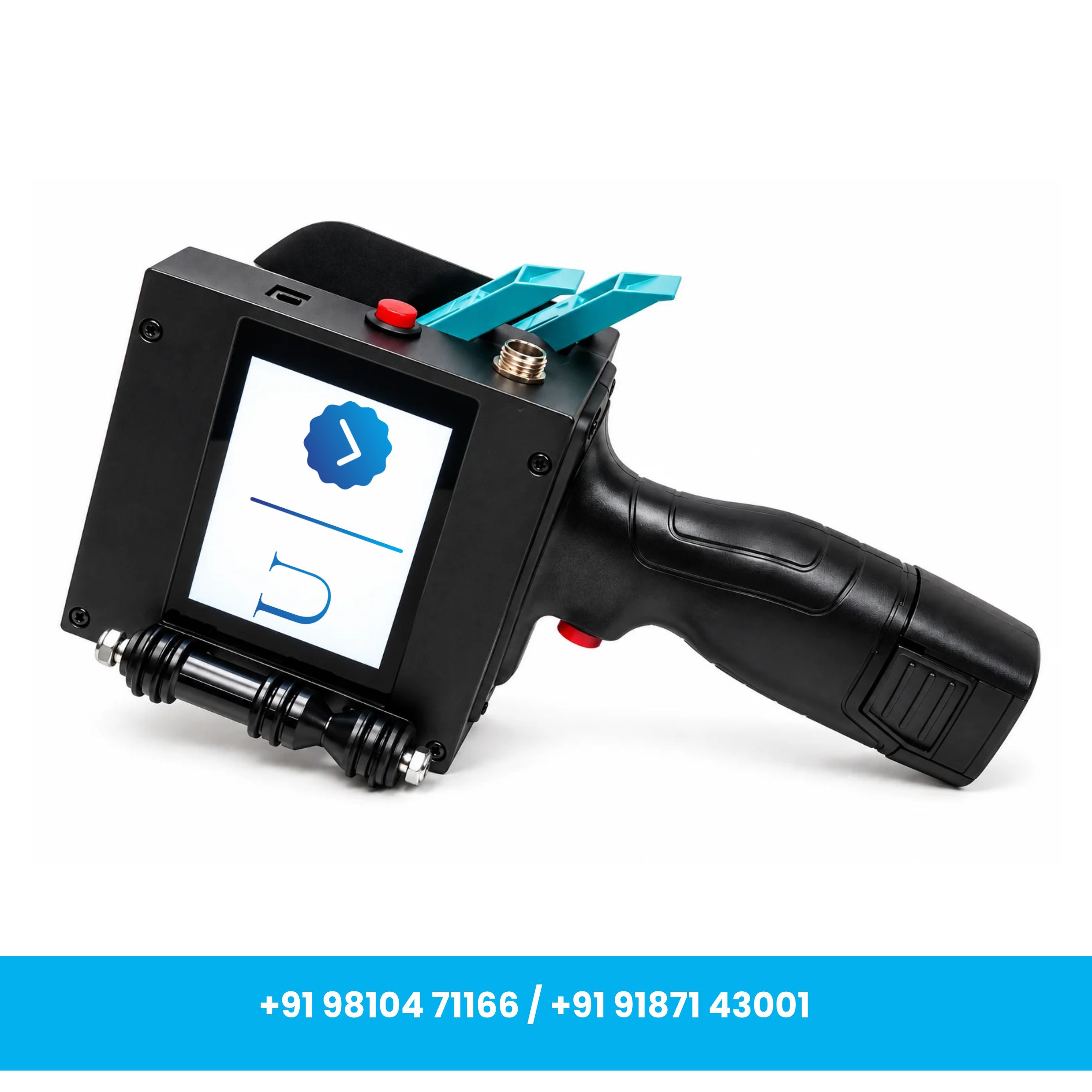
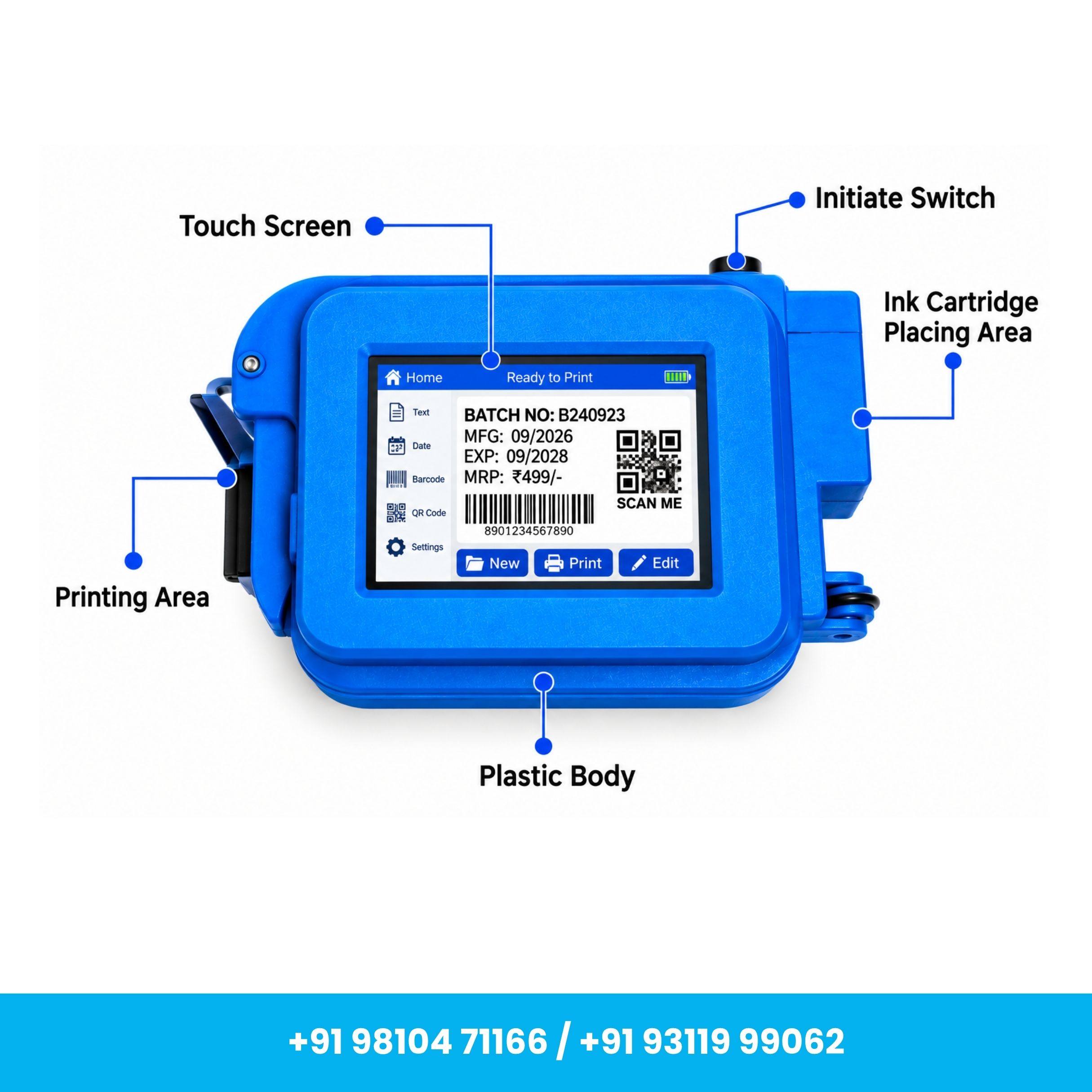
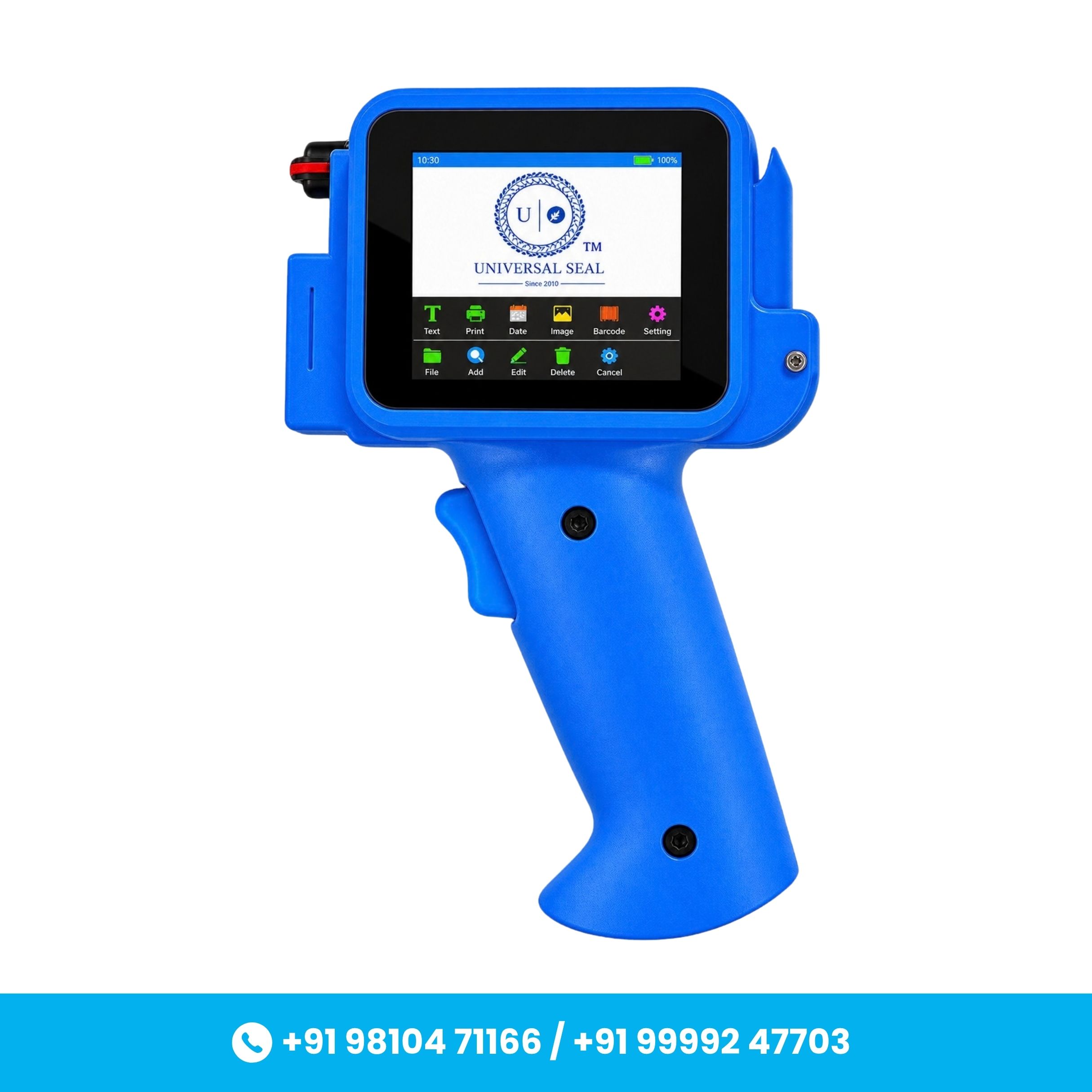
Built with a durable hard plastic body, the printer weighs approximately 2 kg, making it lightweight and convenient for regular use. It features a 4.3-inch color display for easy operation and adjustment of printing settings.
With a maximum print height of 12.7 mm and printing speed of up to 60 m/min, the machine is suitable for fast coding and marking applications. It supports up to 4 lines of printing depending on the selected print configuration, with a line length of up to 10 cm per line.
The printer operates using a rechargeable battery, allowing portable operation without requiring a continuous power connection. It uses a water-based black ink cartridge, while compatible color cartridges can be used separately when required.
Key Features
- High-Speed Printing: Printing speed of up to 60 meters per minute for efficient coding operations.
- 12.7 mm Print Height: Supports a maximum printing height of 12.7 mm.
- 4.3-Inch Color Display: User-friendly screen for creating content and adjusting print settings.
- Portable & Lightweight: Approx. 2 kg weight with rechargeable battery operation.
- Water-Based Cartridge: Uses a replaceable black water-based ink cartridge for convenient maintenance.
- Multi-Line Printing: Supports up to 4 lines, depending on print configuration and content size.
- Up to 10 cm Line Length: Allows printing content up to approximately 10 cm per line.
- Variable Data Printing: Suitable for MRP, Batch No., MFG Date, EXP Date, text, numbers and other coding information.
- Semi-Automatic Operation: Designed for convenient manual positioning and controlled printing.
- No RFID Requirement: Compatible cartridges can be used without an RFID chip.
- Durable Construction: Hard plastic body provides a practical combination of durability and portability.
Specifications
- Brand: Universal Seal
- Product Type: 12.7mm TIJ Printer
- Weight (Approx.): 2 kg
- Body Material: Hard Plastic
- Print Speed: Up to 60 m/min
- Automation Grade: Semi-Automatic
- Power Source: Rechargeable Battery
- Battery Life: Depends on usage frequency and operating duration
- Cartridge Type: Water-Based
- Standard Ink Color: Black
- Color Printing: Available with compatible separate color cartridges
- Screen Size: 4.3 Inches
- Maximum Line Length: Up to 10 cm per line
- Maximum Printing Lines: Up to 4 Lines
- Maximum Print Height: 12.7 mm
- Packaging: Carton Box
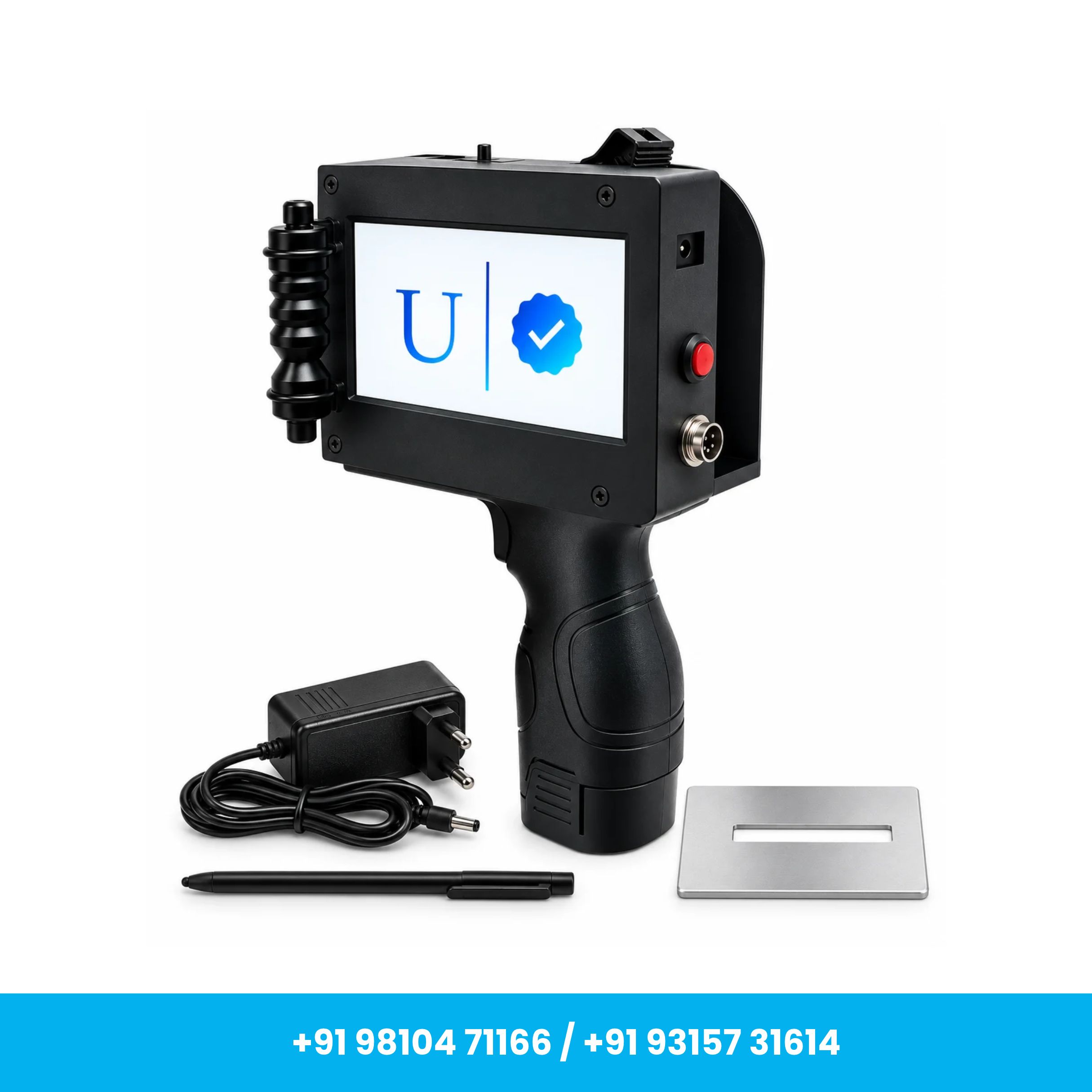
What's in the Box?
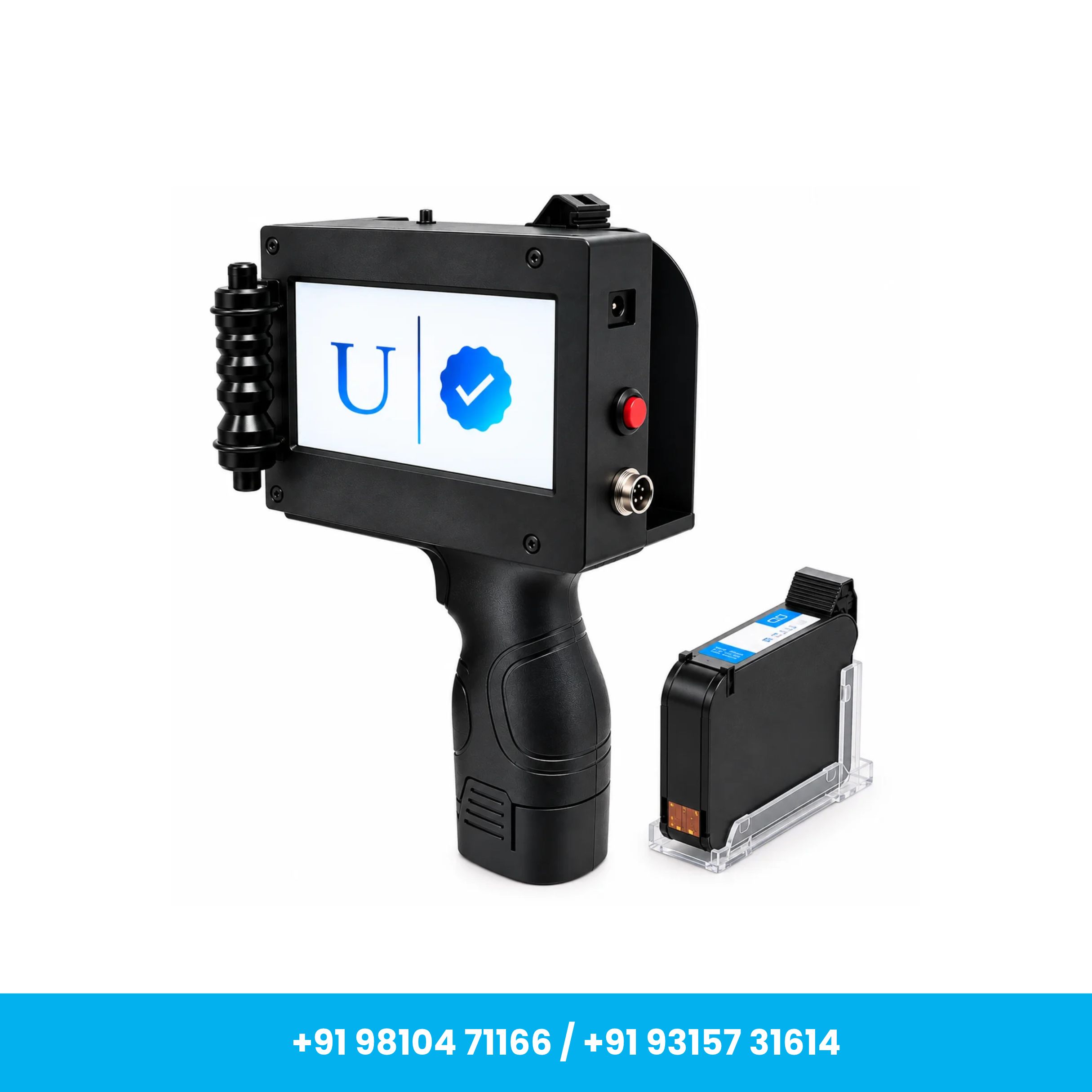
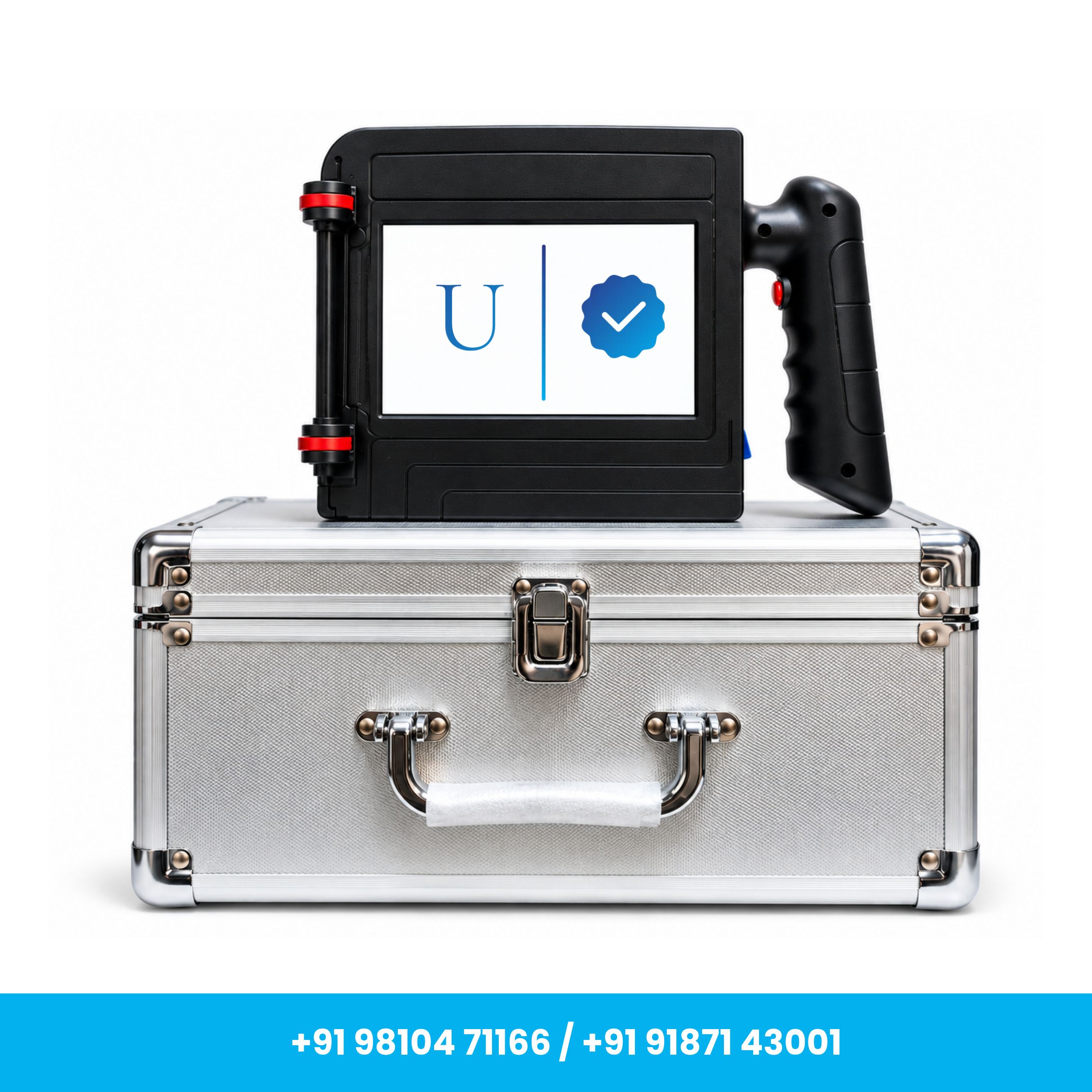
- 1 × Universal Seal TIJ Printer
- 1 × Water-Based Ink Cartridge
- 1 × Stylus/Pen
- 1 × Positioning Plate
- 1 × Charger
- 1 × Rechargeable Battery
- 2 × Rubber Bands – 1 Small & 1 Large
Applications
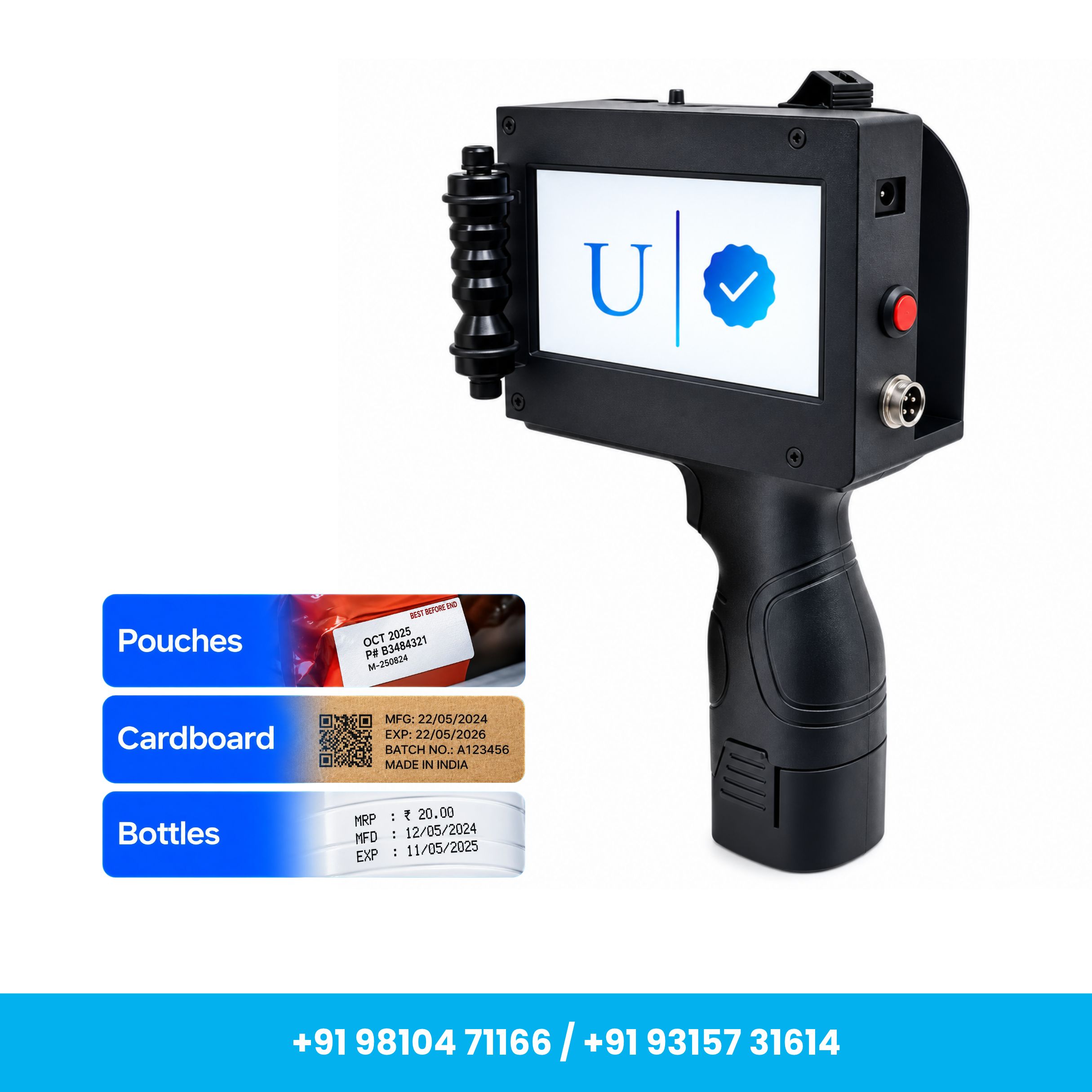
- Food & Beverage: Printing MRP, MFG/EXP dates and batch codes on compatible pouches, bottles, containers and packaging.
- Pharmaceuticals: Printing expiry dates, manufacturing dates and batch numbers on compatible medicine packaging.
- Cosmetics: Coding production dates, batch/lot numbers and product information.
- Manufacturing: Printing part numbers, identification codes and serial information on compatible products and components.
- Consumer Goods: Adding essential variable information to compatible retail packaging.
- Logistics & Warehousing: Printing identification codes and variable information on compatible boxes and cartons.
How to Use
- Initial Setup: Properly install the battery and calibrate the printer before first use according to the operating instructions.
- Install the Cartridge: Insert the compatible water-based ink cartridge into the designated cartridge slot.
- Create Print Content: Use the 4.3-inch display to create the required text, numbers, dates or coding information.
- Adjust Settings: Configure available settings such as font size, spacing and print position according to the application.
- Start Printing: Position the printer correctly on the required printing surface and initiate the printing process.
- Battery Management: Keep the rechargeable battery sufficiently charged for uninterrupted operation.
Maintenance & Care
- Cartridge Care: Store cartridges correctly and prevent the nozzle area from drying out or becoming damaged.
- Print Head Cleaning: Keep the print-head/nozzle area clean using a lint-free cloth and suitable recommended cleaning solution.
- Keep the Machine Clean: Regularly remove dust and debris from the printer body and cartridge area.
- Proper Storage: Store the printer in a clean, dry and moisture-free environment when not in use.
- Battery Care: Use the appropriate charger and follow the recommended charging procedure.
- Regular Check: Inspect the cartridge, printing area and accessories before regular operation.
Precautionary Guidance
- Always use compatible cartridges and accessories with the printer.
- Protect the machine from drops, heavy impact, water and other liquids.
- Use the correct charging adapter and avoid improper charging practices.
- Avoid direct contact with ink and handle cartridges carefully.
- Perform initial calibration before first use for proper printing.
- A sample print is recommended before bulk production to confirm print position and ink compatibility.
- Actual battery backup may vary depending on printing frequency and duration of use.
- Ink performance can vary depending on the surface material and operating conditions.
- Always follow the supplied operating instructions for setup, maintenance and troubleshooting.
Important: For best results, check surface and ink compatibility before bulk printing. The printer's performance may vary depending on the cartridge, printing content, surface material and usage conditions.
You May Also Like
Explore More Products